
Let me be brutally honest.
Most “site scraper Chrome extensions” break the moment you try to use them on a real website.
Yes, the second you hit JavaScript-heavy layouts, infinite scroll, weird pagination, or inconsistent page structures, everything falls apart.
And this is a well-known issue in web scraping, as traditional HTML-only scrapers struggle with JavaScript-rendered content, AJAX calls, and infinite scroll, leading to incomplete or incorrect data on modern sites.
The reason is simple.
Most scraper extensions are built for demo pages or static websites and are kept simple, so when you try them on modern or dynamic websites, they fail.
I learned this the hard way after testing 20+ site scraper Chrome extensions myself.
Out of everything I tested, most tools either failed quietly or broke halfway through the process, and only a small handful actually worked the way they claimed on real websites.
Nitin, how did you test? Well, I tried scraping competitors, pulling product catalogs, collecting leads, extracting job listings, and mining content ideas for real use cases.
And this post is only about those few that actually worked and helped me scrape the specific data.
With that said, let’s get into it.
1. Chat4Data
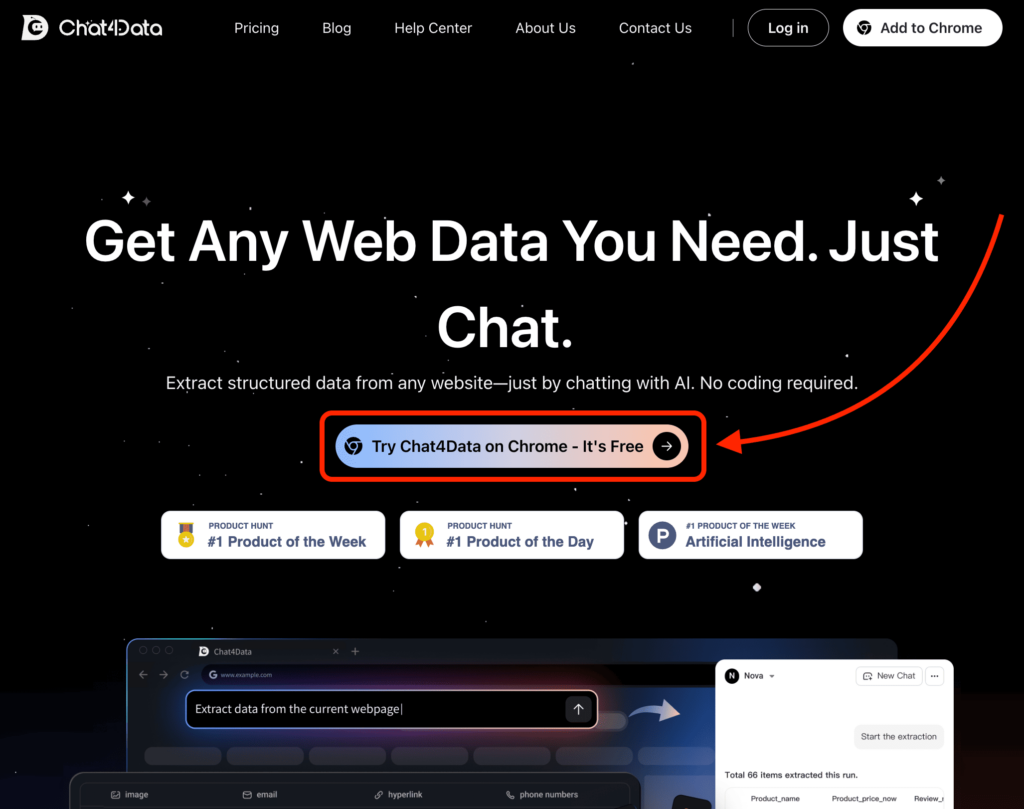
This is the first tool on the list for a reason.
Most site scrapers ask you to think like the DOM, while Chat4Data asks you to think like a human.
In simple terms, instead of:
- selecting elements
- tweaking selectors
- guessing what breaks pagination
You simply tell it what you want, like “Extract product name, price, rating, and availability”.
That’s it, and you will get the data from the target website.
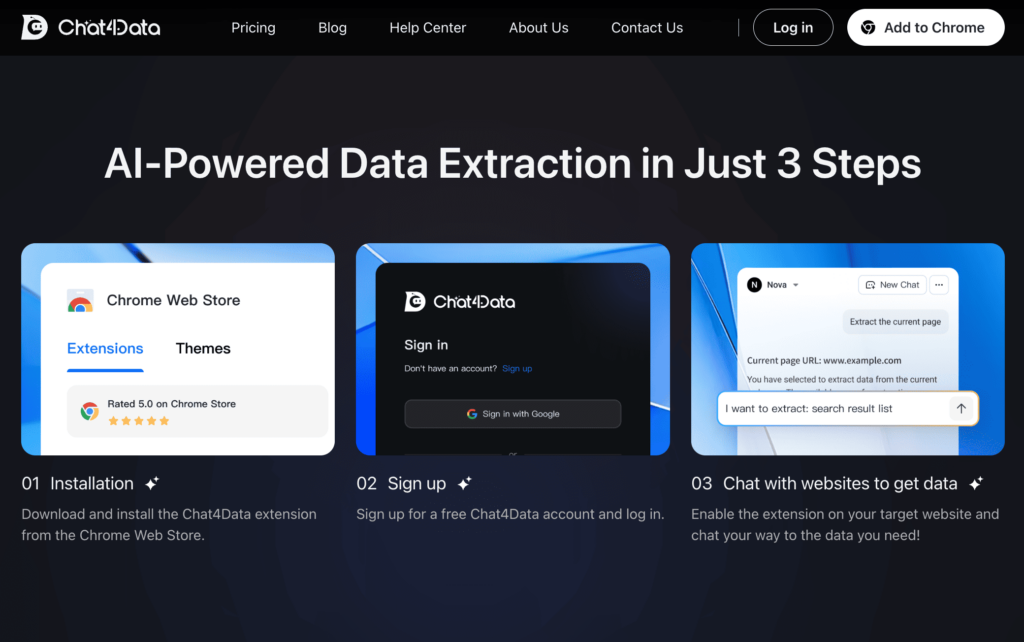
To get started, you just need to visit their website and download their Chrome extension.
After that, create your account, enable the extension on the target website, and write a simple prompt describing what you want to scrape.
But Nitin, how does it work? Chat4Data uses an LLM-powered approach, so it understands intent, not just HTML structure. That’s why it works on sites where traditional scrapers silently fail.
What stood out to me is how well it handles dynamic pages. Pagination and infinite scroll are not a nightmare, and the data comes out clean and usable, not a mess you need to fix later.
Because of that, I mostly use it when:
- I want results fast
- The site structure is messy
- I don’t want to configure anything
If you’ve ever thought, “Why do I need to think so hard just to extract a table?”, this is the tool you start with.



2. Octoparse
This is where I go when scraping stops being “quick” and starts being serious.
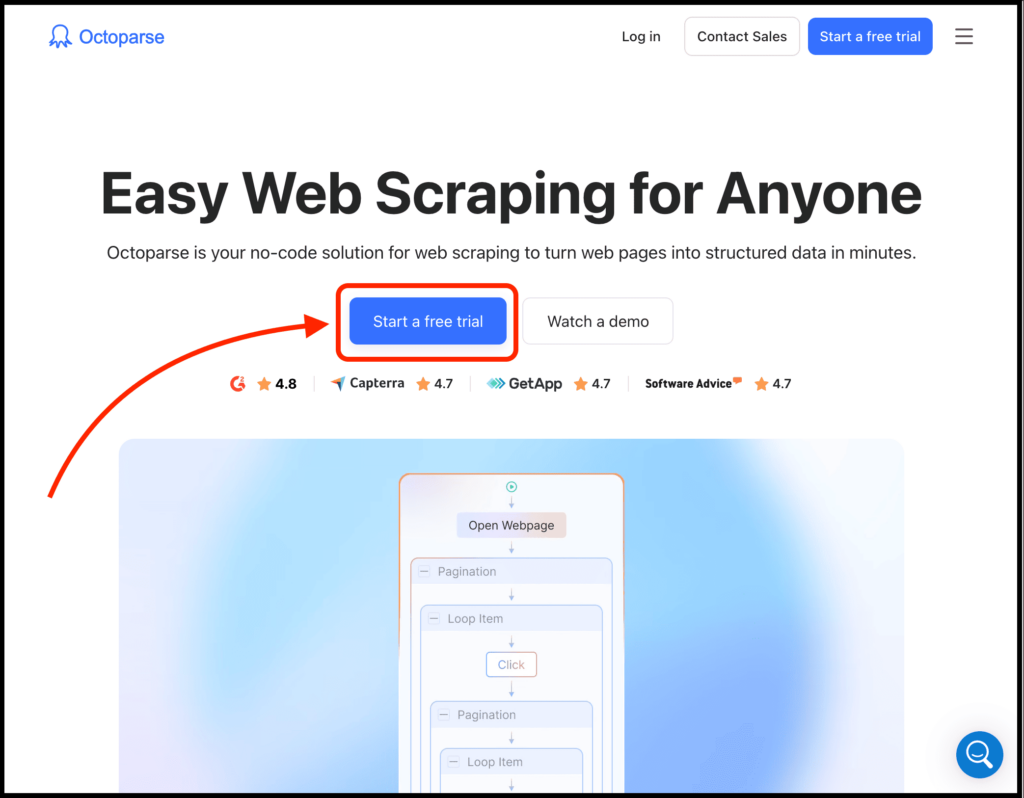
I’m talking about Octoparse, and it isn’t a Chrome extension but a full web scraping engine.
To give you more detail, it is a no-code web scraping platform that can scrape dynamic websites, scale without slowdowns, and connect with your workflows to enable automatic exports and notifications, trigger workflows automatically, and more.
Also note that once you move into real research or business use, manual data collection simply doesn’t scale. This is where automated scraping makes sense, quietly saving hours by handling repetitive extraction at scale, which is why tools like Octoparse exist.
The best part? It handles complex pagination, login flows, cloud scraping, scheduling, proxies, captchas, and provides hundreds of prebuilt templates for popular sites.
The only issue is that there’s a learning curve, and you need to think before you click.
I mainly use it when the site structure is complex, pagination is unusual, data spans multiple layers, or I need scheduled, repeatable, and scalable scraping.
This is not the tool I’d recommend to someone who just wants to grab a quick list.
Simply go with Chat4Data, but if you want to handle complex tasks in the simplest way possible, then go with Octoparse.
3. Instant Data Scraper
I’ll be honest.
I underestimated this one since it has no fancy branding, no slick website, and just a Chrome extension that quietly does its job.
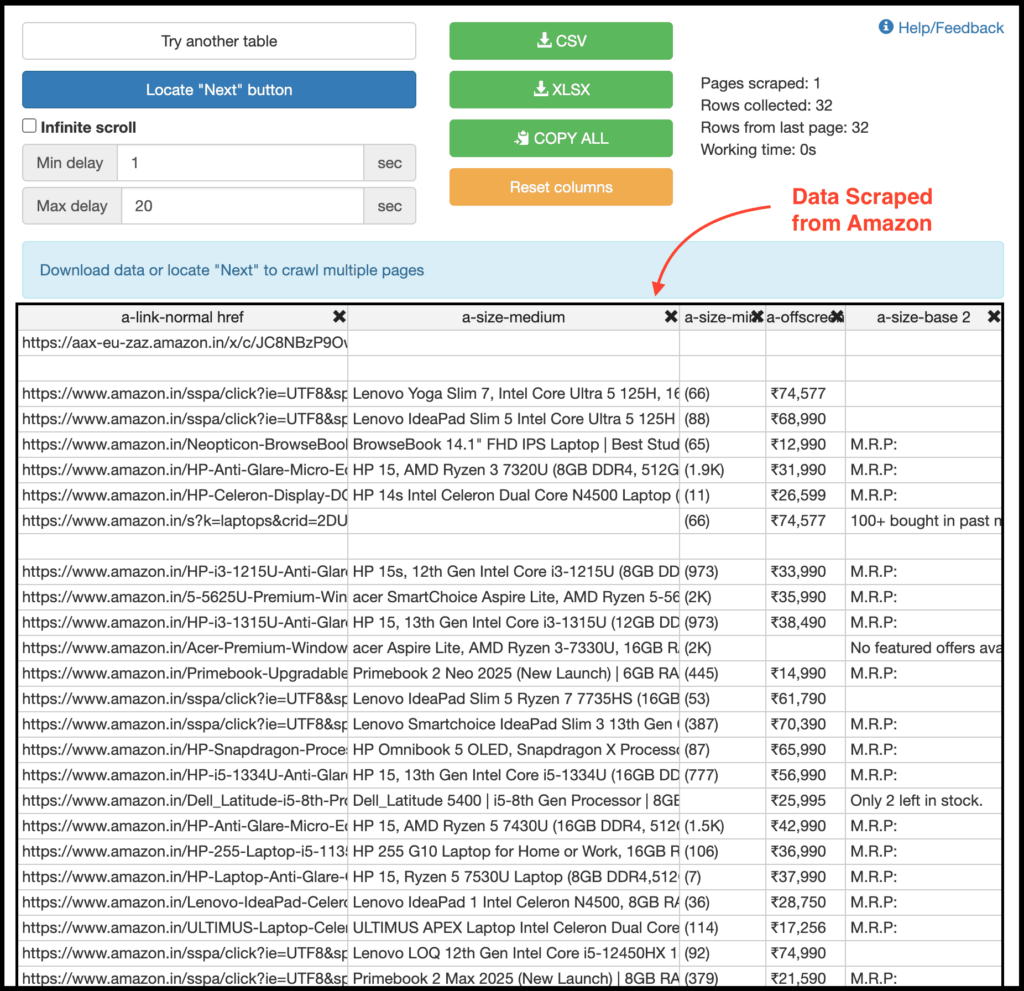
Instant Data Scraper uses heuristic detection to guess what data you want to extract.
And most of the time, it guesses right.
Besides that, you can customize the selections, and it then extracts data from web pages and exports it as Excel or CSV files.
Here are its features:
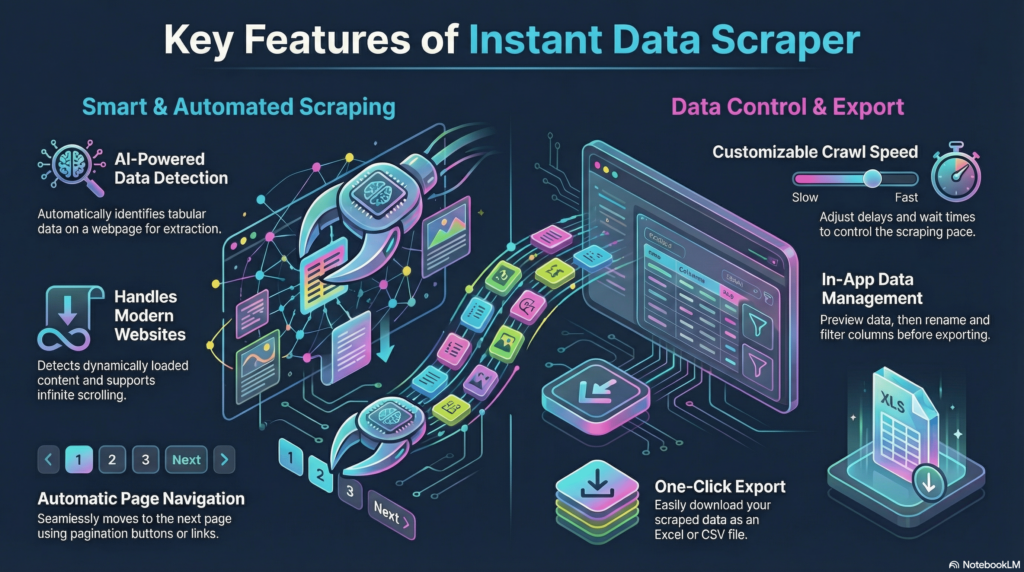
The best part is that this extension is completely free, and it works well alongside SEO tools, CRM recruiter systems, sales lead management tools, and email marketing campaigns.
I use it when:
- I want something right now
- The page is fairly structured
- I don’t want to create an account
It won’t replace advanced tools, but it lets you scrape data for about 90% of tasks, which makes it extremely effective.
4. Web Scraper
Old-school, but still insanely capable, this is for people who want full control.
I’m talking about Web Scraper, and here you need to define what to scrape, how pagination works, and how deep the crawl goes.
Yes, you need to understand what you’re doing. But once it’s set up, it’s extremely reliable.
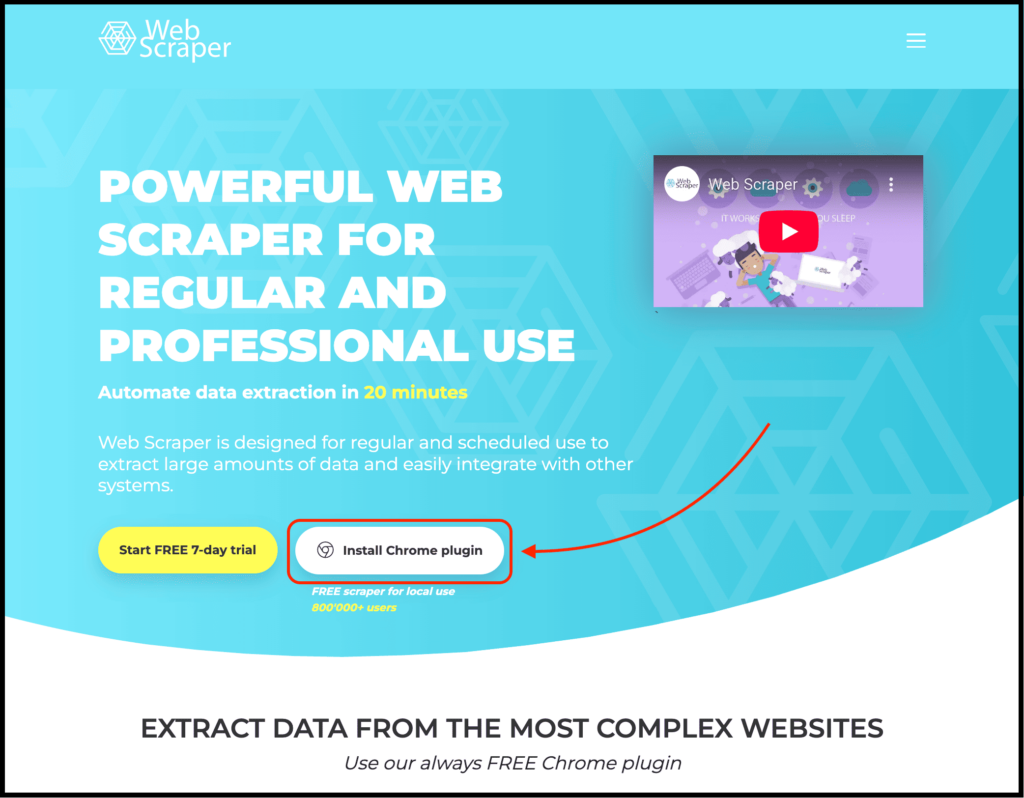
To get started, simply visit their website and click on the “Install Chrome Plugin” button to download the extension.
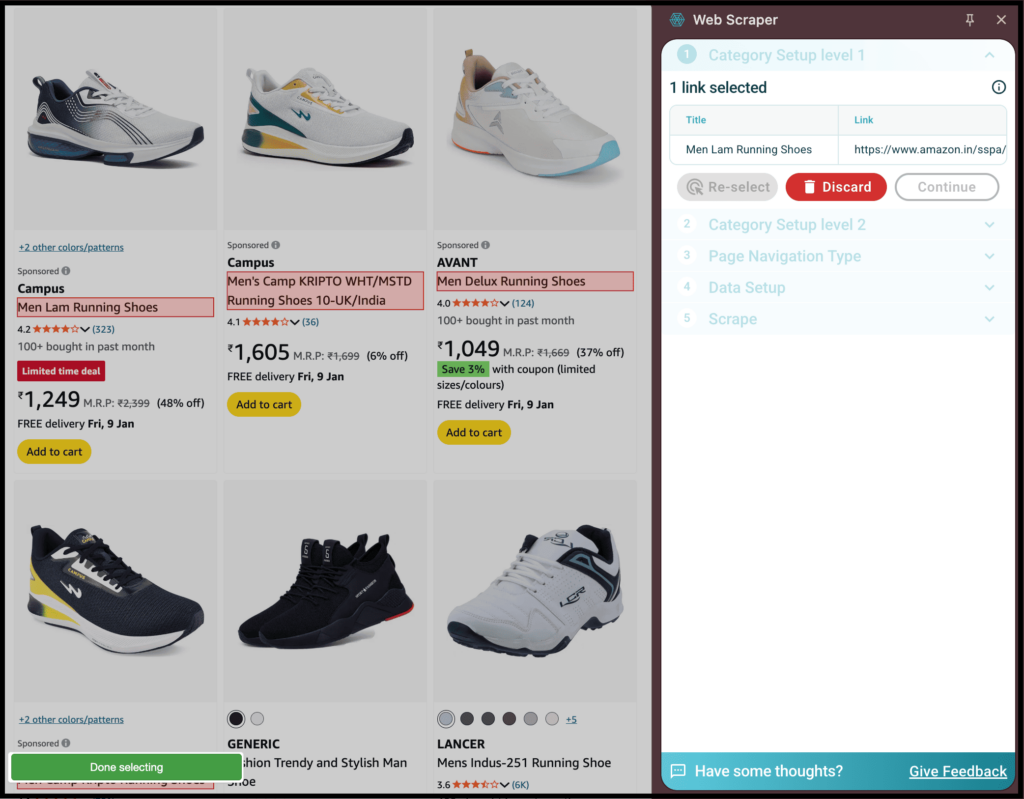
Then you just need to enable the extension on your target website and scrape using the point-and-click interface.
And yes, it is completely free for local use.
I use it when:
- Precision matters
- I need consistent structure across pages
- I don’t want AI guessing anything
5. Browse AI
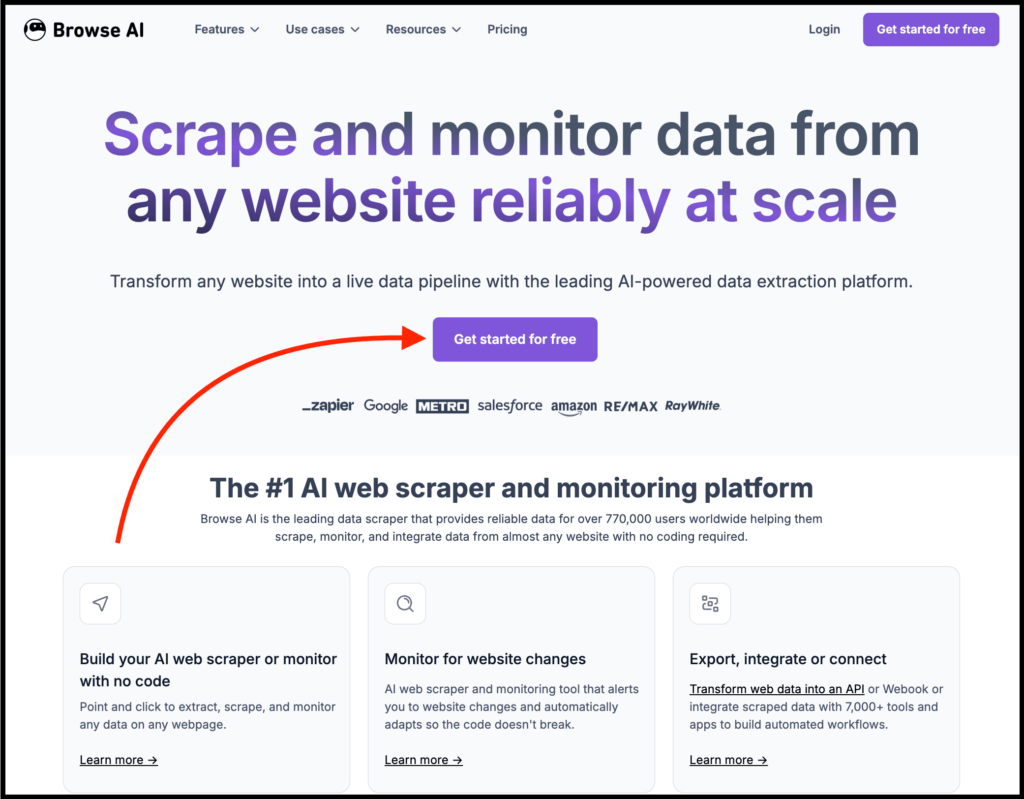
This site scraper Chrome extension feels like a bridge between scraping and automation.
I’m talking about Browse AI, and it is built around the idea of training robots instead of scraping pages.
In short, you train robots to extract data and monitor changes over time.
Nitin, what about the process? Just download their Chrome extension and create an account.
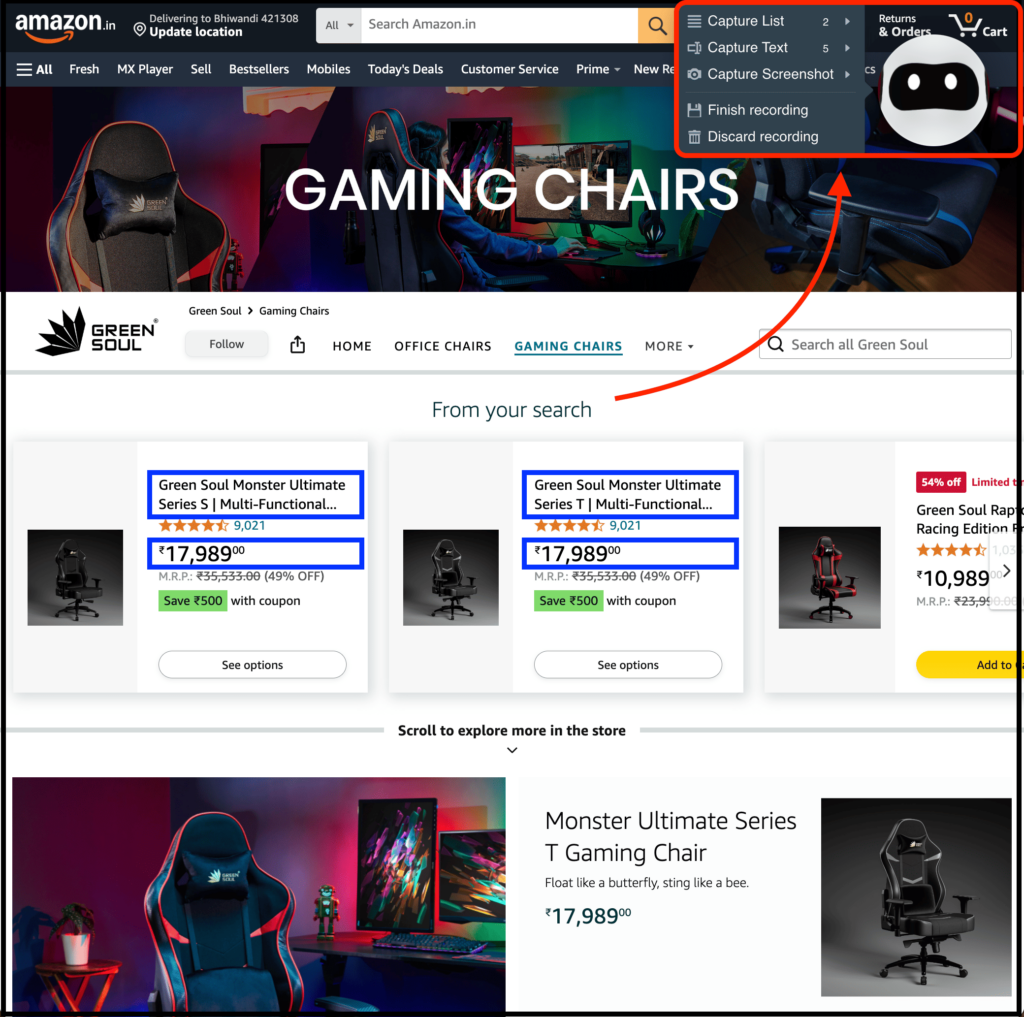
Then, enable the extension on the target website. You’ll see a robot icon in the top right corner. Click on it to scrape what you need, select data using a point-and-click interface, and integrate it with 7,000+ tools.
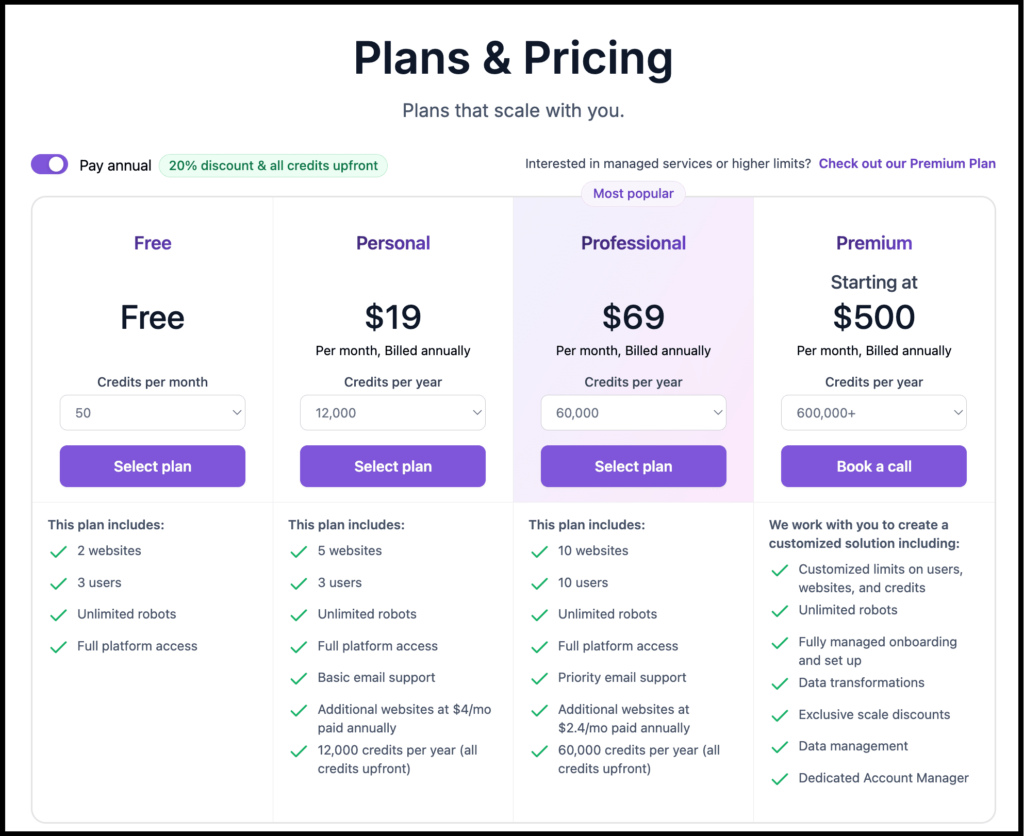
On top of that, it also supports one-click extraction using ready-made templates or recipes for popular websites, which makes the whole process even easier.
I mostly use it for:
- monitoring prices or listings
- recurring extractions
- simple workflows that need automation
The free plan is limited, but it’s enough to test real use cases.
6. Data Miner
Now, if you are a professional web scraper, this one is for you.
I’m talking about Data Miner, an advanced site scraper Chrome extension that helps you crawl and scrape data from web pages and export it into a CSV file or Excel spreadsheet.
It provides 50,000+ free pre-made templates for 15,000+ popular websites, which allow one-click scraping, require minimal setup, and deliver fast results.
So if you need large amounts of data from marketplaces, job boards, or directory-style sites, then you know which one to choose.
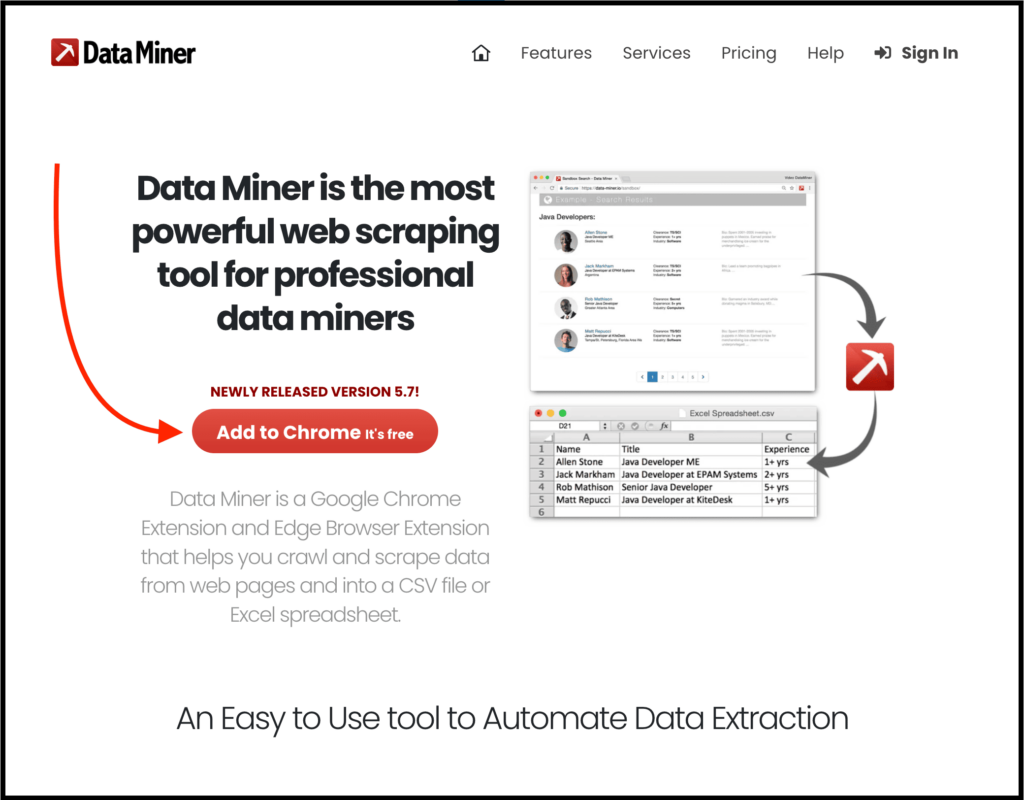
To get started, simply visit their website and click the “Add to Chrome” button to download their Chrome extension.
Then create your account and enable the extension on the target website you want to scrape data from.
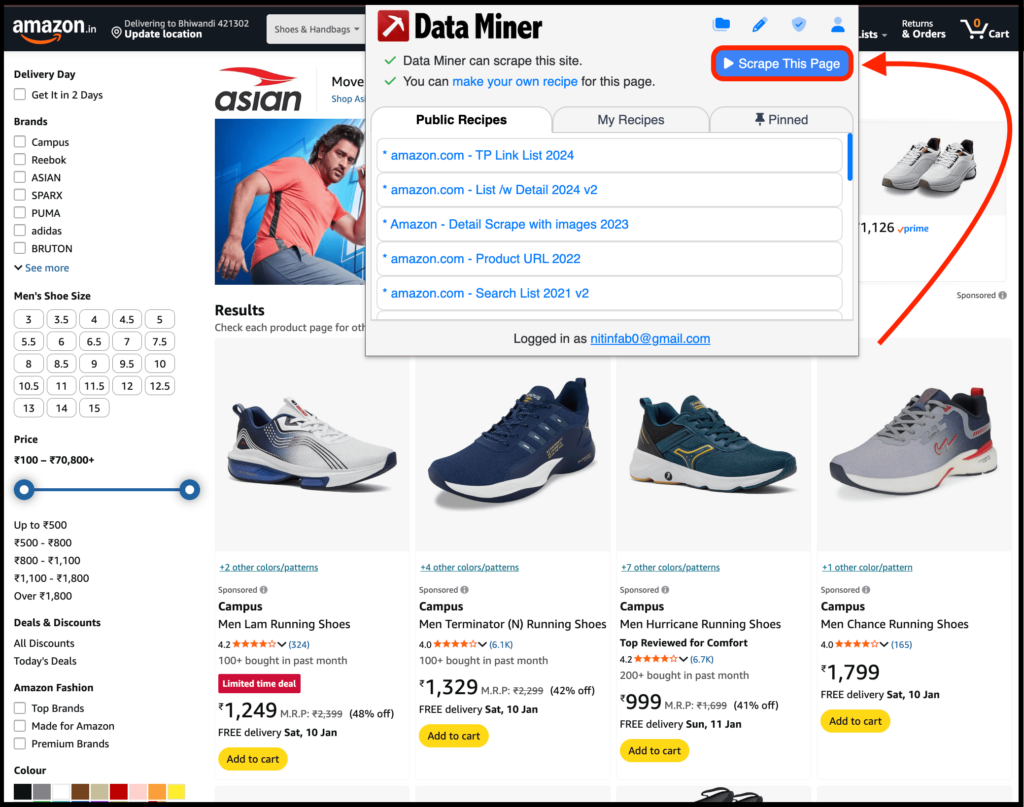
You can use their 50,000+ free pre-made templates or create your own custom ones.
I mostly use Data Miner when:
- Forms are involved
- The site has a repeating structure
- I need to scrape multiple pages from a URL list
How to Actually Choose the Right Site Scraper?
If you have read the post so far, you know that I’ve tried my best to list the best site scraper Chrome extensions, and explained how to get started, where I use them, and more.
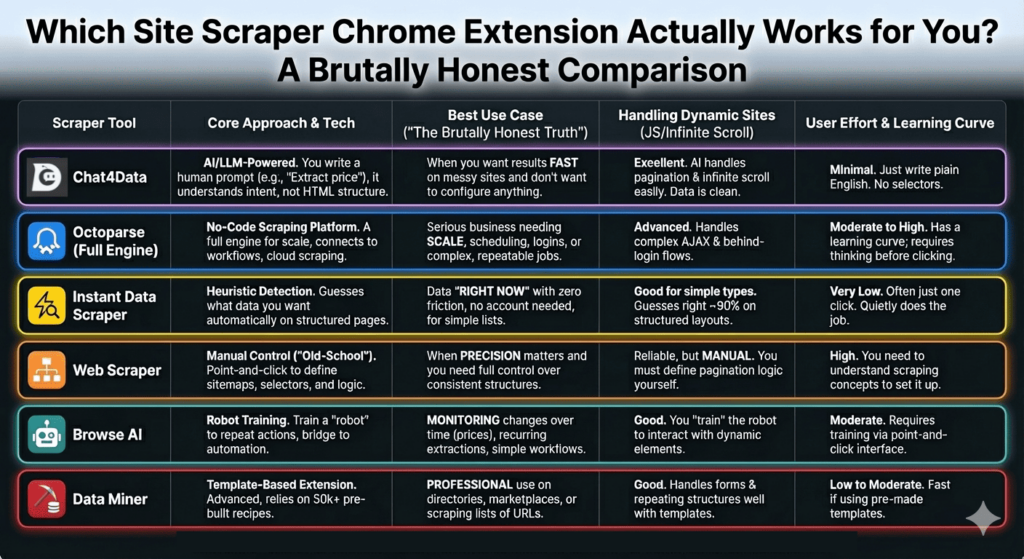
And if you’re still confused about which site scraper Chrome extension to use, here’s the simplest way to think about it.
- If you want results fast and don’t want to think about DOMs, selectors, or pagination logic, start with Chat4Data. It works best when the site is messy and your goal is clear.
- If scraping is no longer a one-off task and you need scale, scheduling, or repeat runs, Chrome extensions will eventually feel limiting. That’s where using Octoparse makes the most sense.
- If the page is structured and you just need data right now, Instant Data Scraper gets you 80–90% of the way with almost zero friction.
- If precision matters and you want full control, Web Scraper is still one of the most reliable options once it’s set up properly.
- For monitoring, recurring extractions, or simple automation, Browse AI fits better than traditional scrapers.
- And if you are a professional web scraper, or want to scrape directories, marketplaces, or repeated URL lists, Data Miner saves hours with templates.
Lastly, one more hack to find the best site scraper Chrome extension is to ask, “What kind of website am I scraping, and how much control do I actually need?”
Answer that honestly, and the right tool becomes obvious, and you’ll know which one to use.
FAQs about Site Scraper Chrome Extensions
1. Which site scraper Chrome extension should I try first if I don’t know anything about scraping?
Start with Chat4Data because it doesn’t need the learning curve, and removes the biggest mental block most people hit: having to think like HTML instead of like a human.
Once you understand what kind of data you need and how sites behave, then you can move to tools like Web Scraper or Octoparse for more control.
2. Are free site scraper extensions actually reliable for serious work?
Yes, most of the Chrome extensions listed here actually get the work done. I have tried them for scraping competitor data, pulling product catalogs, collecting leads, extracting job listings, and mining content ideas, and all of them worked pretty well.
3. Why do most site scraper Chrome extensions fail on real websites?
Because most of them are built for static pages, not how modern websites actually work. Once you introduce JavaScript rendering, infinite scroll, dynamic pagination, or inconsistent layouts, simple selector-based scrapers break. That’s why many tools either extract only part of the data or fail silently without telling you what went wrong.
4. How do I choose the right scraper without wasting time testing everything?
Start by deciding what problem you’re solving, not which tool looks powerful, and you’ll get your answer. That’s the best way to find the right site scraper.