Get any web data you need. Just chat.
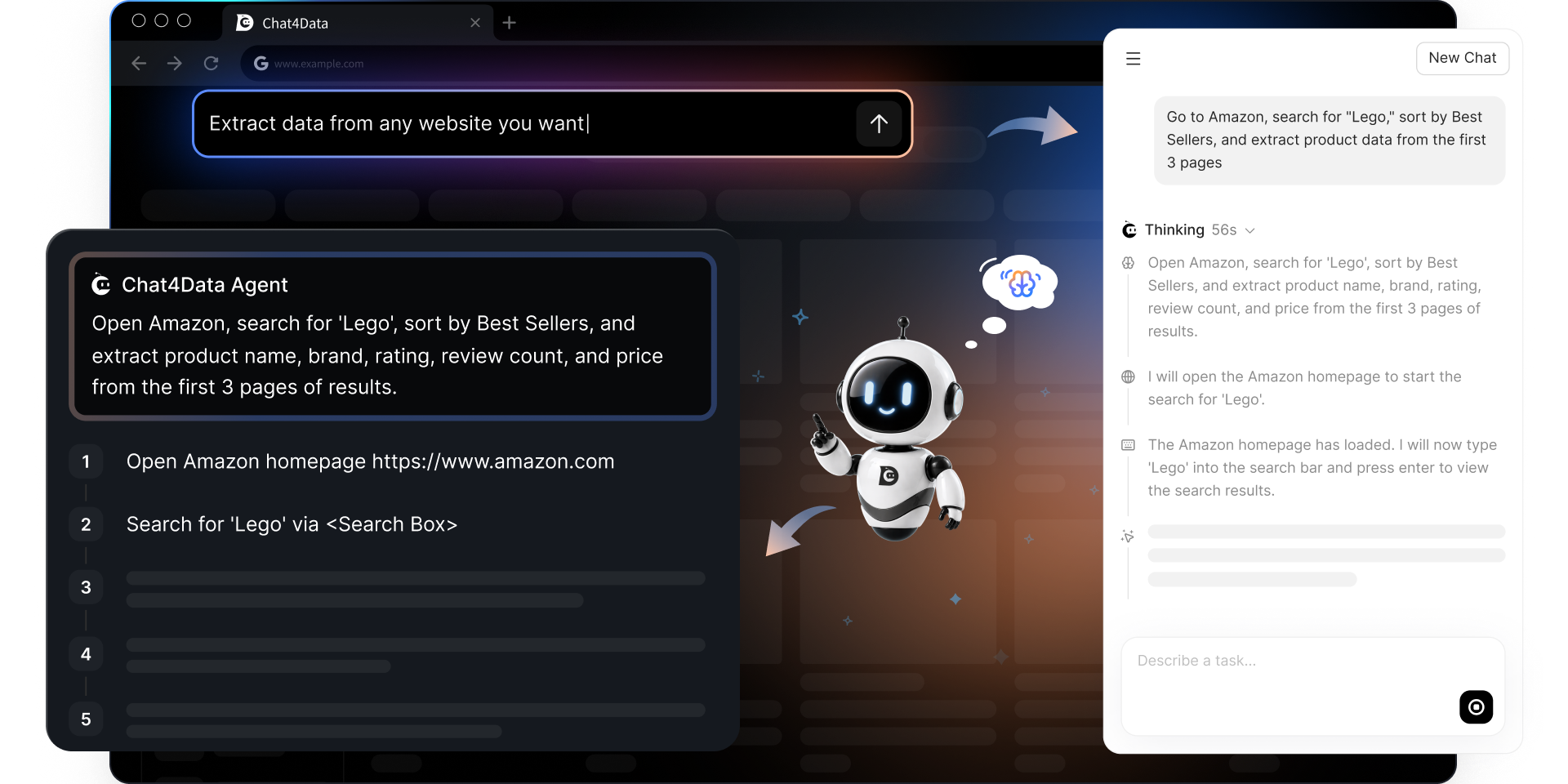
Chat4Data is an AI web scraper that navigates websites and extracts structured data through simple chat prompts.
Try Chat4Data on Chrome - It's Free
Rich Web Data,
Simple Process
Reliable on any site, any daySite changes, Chat4Data adapts
Reliable on any site, any day
Site changes, Chat4Data adapts
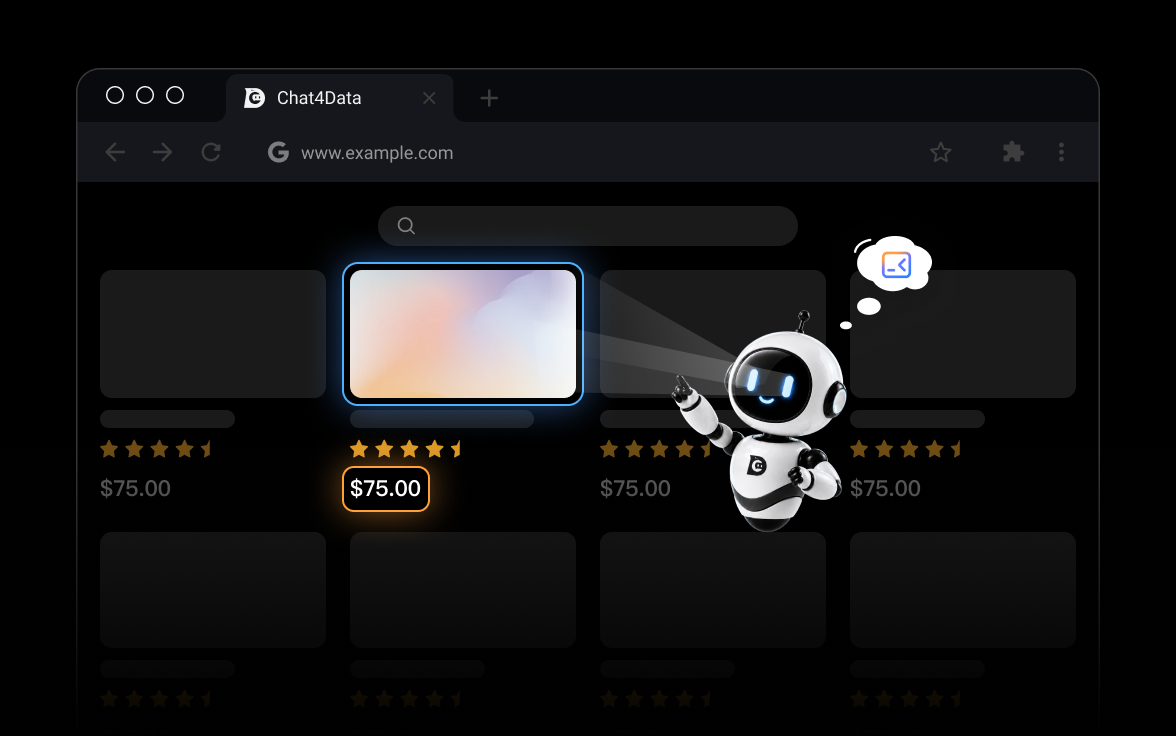
Chat4Data understands every page in two ways: what it looks like, and how it's built. That's why it keeps finding the right data—even when layouts shift or code changes.
Leave no data behindOne tool, every data type
Leave no data behind
One tool, every data type
No more wrestling with complex data—Chat4Data instantly captures images, links, emails, phone numbers, and even hidden elements from any web page.
From a sentence to a spreadsheetA single prompt is all you need
From a sentence to a spreadsheet
A single prompt is all you need
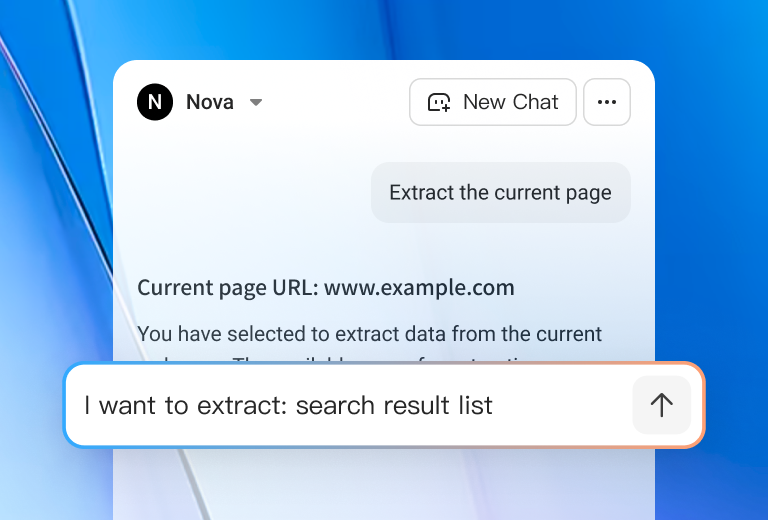
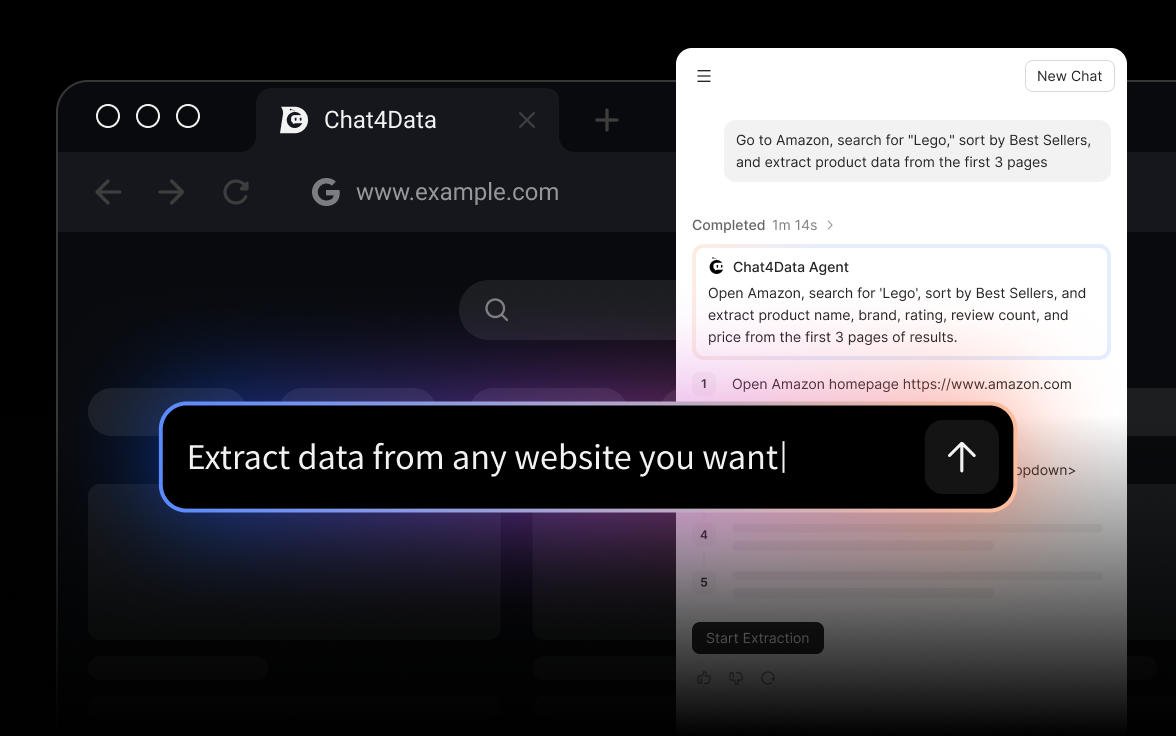
Describe your data in plain English. Chat4Data explores the page, extracts the fields you need, works through pagination and clicks, and hands you ready-to-use Excel, CSV, or JSON.
Human-in-the-loop by designYou unlock, Chat4Data collects
Human-in-the-loop by design
You unlock, Chat4Data collects
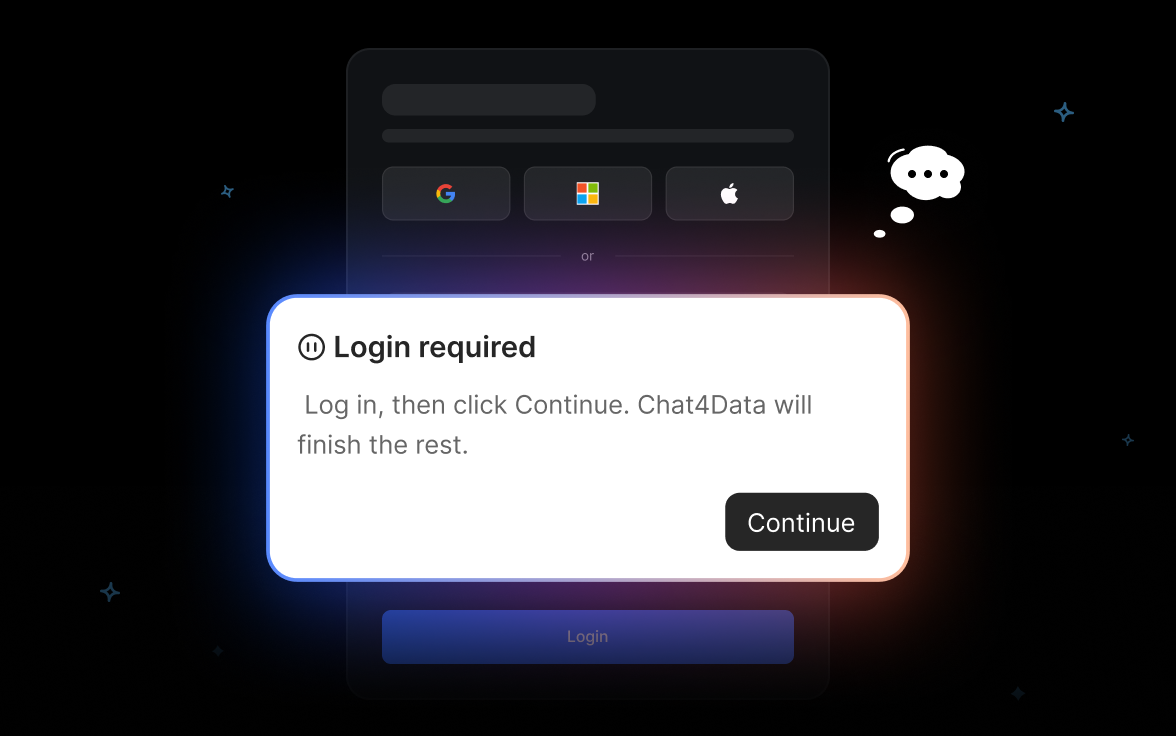
For logins, CAPTCHAs, or verifications, Chat4Data pauses and taps you in—then picks up right where you left off. No wasted runs, no bad data.
AI Data Extraction in Just 3 Steps
Frequently Asked Questions
- Chat4Data is an AI-powered Chrome extension designed to be your ultimate data collection assistant. With intuitive natural language commands or simple quick-click actions, you can effortlessly extract and organize web page data on any website, making information gathering faster and smarter than ever. Think of it as ChatGPT for web scraping!
- Chat4Data works with most HTML websites, including e-commerce platforms, news sites, real estate listings, job boards, directories, and educational portals. It extracts data from listing pages and detailed subpages without triggering blocks. If you encounter a website that doesn't work optimally, simply report it to us and we'll tune our system specifically for it.
- Everything—every page, every field, every row—happens right inside your Chrome browser. We never see it, never store it, never touch it.The ability to start scraping from a given list of URLs from the same website will be supported in the future.
- Not at all. Chat4Data is designed for everyone — simply tell it what data you want in plain language, and our AI does the rest. No programming, no technical setup, just natural conversation that gets you professional results in seconds.
- Yes! Every new user gets 100 free starting credits — enough to scrape 2–3 websites. After that, it's $1 per hundred credits (incredibly affordable compared to hiring data assistants or buying datasets). <br><br> Credits are consumed for chat interactions, and data analysis.You can get credits through:<br><br> New user bonus: Get 300 credits upon registration, refreshed to 300 credits on each of your first 3 login days (limited-time offer)<br><br> Monthly subscription: Receive fixed monthly credits that reset each billing cycle (Pro: 2,000 credits/month, Max: 8,000 credits/month)<br><br> Credit top-ups: Max users can purchase additional credits at $1 = 100 credits (valid for 1 year, non-refundable)<br><br> Credits are consumed based on webpage complexity. Here's what you can expect:
- Amazon product scraper: 120–200 credits
- Google Maps scraper: 40–80 credits
- Youtube video scraper: 120-180 credits
Bonus: Earn unlimited free credits through our referral program — each friend you invite gives you both extra credits! - There's no set limit — Chat4Data will keep working until you have all the data you need! Whether it's 50 products or 5,000 listings, the extension runs continuously in your browser until the job is complete. Just keep your browser tab open during extraction, and Chat4Data handles the rest automatically.
- This error typically occurs when our AI model experiences high demand — a good sign that Chat4Data is growing fast! Here are quick fixes that resolve 80% of cases:
- Re-analyze: Simply tell the AI to try again or click "Retry"
- Refresh page: Reload the website you're scraping
- Check connection: Ensure your internet is stable
- Restart extension: Toggle Chat4Data off and on
Most issues resolve with step 1 or 2. If you're still stuck after trying these, our support team responds within a working day and will get you back on track quickly. - Absolutely! Chat4Data's AI is trained to focus on what matters — it automatically filters out ads, navigation menus, sidebars, and other clutter to extract only the valuable data you need. Plus, you can fine-tune its focus by simply saying "ignore the sidebar" or "only get data from the main listings area" in natural language.
- It's simple — just talk to Chat4Data like you would a human assistant! No technical knowledge needed:
- Add fields: "Also grab the price and ratings"
- Remove fields: "Skip the description field"
- Fix results: "Re-analyze this page" or "That missed some products"
- Adjust scope: "Include more products from this section"
- Yes. Chat4Data can scrape password-protected websites. Just log into the site in your browser first, then use Chat4Data to extract data while you're authenticated. The extension works seamlessly within your existing login session.Your security comes first — we never see, access, or store any of your login credentials. Everything stays completely private in your Chrome browser, just like any other website you visit.
- Chat4Data stays under the radar by acting like a real human user. Instead of aggressive bot-like scraping that triggers blocks, our AI mimics natural browsing patterns — clicking, scrolling, and pausing just like you would manually.This human-like approach bypasses most anti-bot systems automatically. For the rare CAPTCHA challenges, we're rolling out AI-powered solutions that handle them seamlessly in the background.
- Chat4Data lets you download scraped data in CSV or Excel (.xlsx) formats.