

- what titles, content structures, and attributes your top competitors are using to rank
- which attributes and content patterns the market is rewarding right now
- and where your own listing falls short and what to fix first
- What Amazon product data is and why it matters
- Why sellers scrape product data
- How to scrape Amazon product data without writing any code
What Is Amazon Product Data?
Amazon product data is the structured content that makes up each product listing: everything buyers read and everything Amazon’s algorithm uses to rank and match results. It appears primarily on the product detail page, with abbreviated versions showing up across search results pages too. Each listing contains:- Product title (the main headline, indexed by Amazon’s search algorithm)
- Bullet points (the five key feature highlights in the product information section)
- Product description (longer-form copy below the fold, or A+ Content for enrolled brands)
- ASIN (Amazon’s unique identifier for every product)
- Brand name (the seller or manufacturer name shown on the listing)
- Best Seller Rank (BSR, the hourly-updated category rank)
- Star rating and review count (the average star rating and total number of customer reviews)
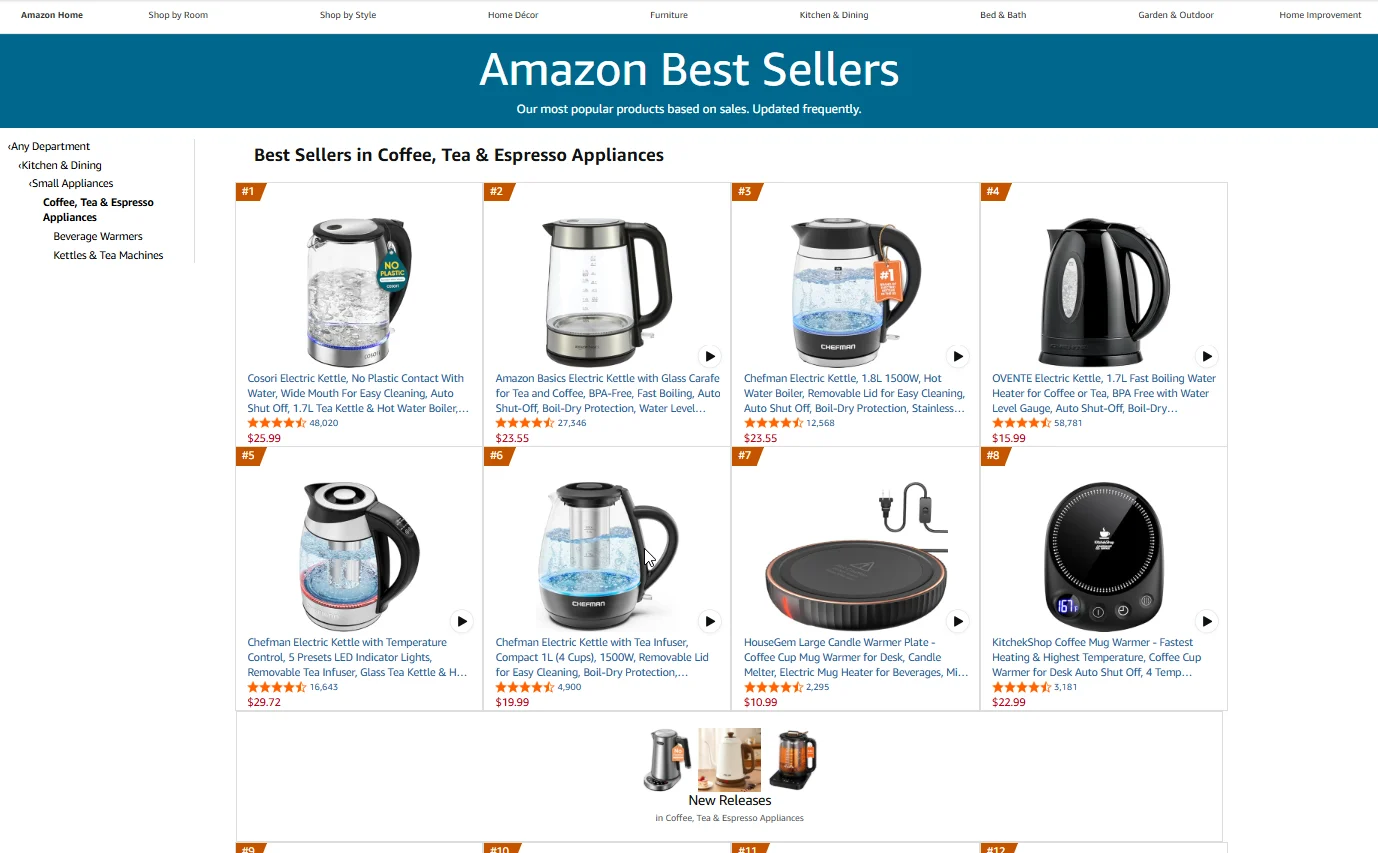
Why Amazon Sellers Scrape Product Data
Reviewing listings manually across a full category isn’t scalable past a handful of products. Scraping turns listing research into a repeatable workflow. Here is what sellers actually use product data for. 1. Competitive listing analysis. Pull titles, bullet points, and brand info from top-ranking competitors in your category. Identify the keyword patterns, attribute language, and content structures that consistently appear on page one. 2. Best Seller Rank tracking. Scrape BSR across a set of products on a schedule to map ranking changes over time. Spot when a competitor climbs or drops and cross-reference with listing updates or price changes. 3. Listing audit and gap analysis. Compare your listing fields against top performers in your category. Missing a feature callout, under-optimizing your title, or skipping A+ Content can all show up clearly in a structured pull.How to Scrape Amazon Product Data Without Code
Now you know what product data is good for. Here is how to collect it.Step-by-Step: Scraping Amazon Product Data with Chat4Data
Step 1: Describe Your Task
Open the Chat4Data extension and type what you need in plain English:“Go to amazon.com, search for ‘yoga mat’, click into each product listing on the first 2 pages of results, and scrape the product title, ASIN, brand name, bullet points, Best Seller Rank, star rating, and review count from each one.”You don’t need URLs in advance. Just describe the site and the fields you want. Chat4Data handles the search, the navigation, and the field detection from there.
Step 2: Review the Execution Plan
Chat4Data shows you the plan first: which pages it’ll visit, which product data fields it’ll extract, and how it handles pagination. It also previews the first page of data so you can verify the output before the full run. Approve or adjust before starting.Step 3: Run and Export
The scraper navigates Amazon like a real user, moving through search results and entering individual product pages to pull each listing field. When it finishes, export your data as Excel, CSV, or JSON. Need to run the same task again next week? Just open the menu in the top-left corner of the extension to find your conversation history. Click into any previous task and run it again. No need to re-describe what you want or redo the AI setup.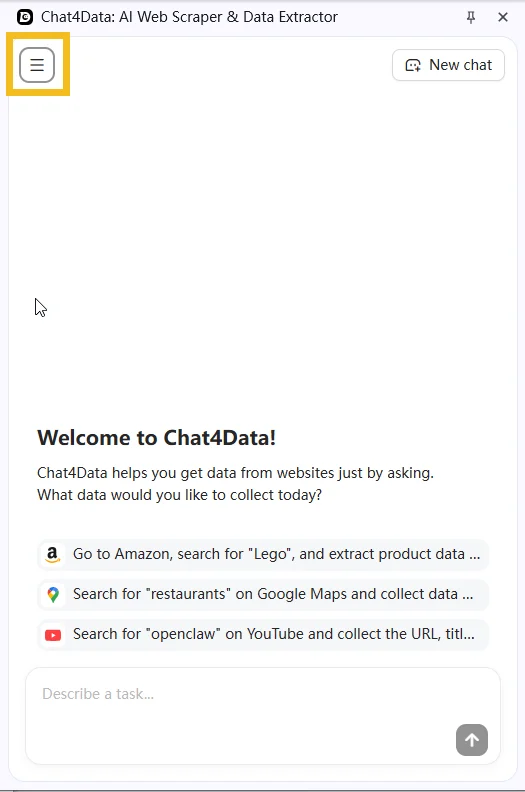
Practical Notes
- Listing content changes without warning. A competitor can update their title, bullet points, or images overnight. If you’re tracking competitive listings, schedule repeat scrapes rather than relying on a single snapshot.
- Best Seller Rank is category-specific and updates hourly. A product can carry multiple BSR values if it appears in subcategories. Note the category path alongside each rank so your data stays comparable across runs.
- If a CAPTCHA appears mid-scrape, Chat4Data pauses so you can solve it manually, then picks up exactly where it left off.
Wrapping Up
Product data is the foundation every listing optimization decision sits on, which makes it one of the highest-leverage datasets to collect at scale. AI web scrapers turn that collection from a manual research slog into something you can run on demand. With Chat4Data, building a competitive listing dataset takes a single prompt and a few minutes per refresh. The same workflow works for scraping Amazon reviews if you want to pair product data insights with buyer sentiment signals. If you want to try it, Chat4Data is available at chat4data.ai and on the Chrome Web Store.Frequently Asked Questions
. What is an Amazon product data scraper?
A tool that automatically extracts structured listing information from Amazon product pages. Options range from Python scripts using libraries like BeautifulSoup to no-code Chrome extensions like Chat4Data that work through a plain English interface.2. Can I scrape product data from multiple products at once?
Yes. You can tell Chat4Data to search for a keyword on Amazon, visit each product listing in the results, and pull all listing fields in a single task. You don’t need to gather individual ASINs beforehand.3. Can I scrape Best Seller Rank, and why does one product have several BSR values?
Yes, BSR is a standard field you can pull. The reason you’ll often see more than one is that a product gets ranked in every category and subcategory it’s listed in, for example #12 in “Sports & Outdoors” and #3 in “Yoga Mats.” That’s normal, not a scraping error. The key is to capture the category path next to each rank, so your numbers stay comparable from one run to the next. Note that BSR updates hourly, so it’s a snapshot of the moment you scraped.4. Can I scrape the text inside listing images and A+ Content?
Partly. Here’s the split:- On-page text (title, bullet points, description, and the text portions of A+ Content) can be scraped directly
- Text baked into images (main product images, infographics, many A+ modules) is not readable as text. A scraper can grab the image URL, but the words inside the image need separate OCR to extract
5. Can I see which keywords a competitor is using to rank?
You can see the public ones, not the hidden ones. The keywords visible in a competitor’s title, bullet points, and description can all be scraped and analyzed for patterns. What you cannot access is their backend search terms, the hidden keyword fields in Seller Central. Those are private to the seller and aren’t on the public page, so no scraper can pull them. For most listing research, mining the visible, on-page language is what actually moves the needle.6. How do I tell what changed in a competitor’s listing between two scrapes?
The scraper gives you a snapshot each time you run it; comparing snapshots happens in your spreadsheet. Save each run’s output, then line up the two exports and compare fields like title, bullets, and BSR side by side. A simple approach is to keep a master sheet with one column per scrape date, so changes in a competitor’s title or ranking stand out at a glance over time.7. Can I reuse a competitor’s title or bullet points in my own listing?
Use them as research, not copy-paste. Scraped listings are great for spotting keyword patterns, attribute language, and content structure to inform your own writing. But copying a competitor’s exact title, bullets, or description carries copyright risk and can run into Amazon’s policies. Treat the data as inspiration for stronger, original copy rather than text to lift directly.8. Is scraping Amazon product data legal and ethical?
Amazon’s Terms of Service prohibit automated access, but collecting publicly visible listing data is widely practiced for competitive research. Courts have generally held that scraping public data is not inherently unlawful. On the ethical side, most sellers use product data for market research and listing optimization, not to replicate or misrepresent someone else’s content. Review Amazon’s ToS and consult a legal advisor for your specific situation.9. How do I scrape Amazon product data without getting blocked?
A few practices help:- Mimic real user behavior. Chat4Data navigates pages like a human would, which avoids most anti-bot triggers.
- Pause on CAPTCHA. When one appears mid-scrape, Chat4Data stops so you can solve it manually, then resumes.
- Space out high-frequency runs. For daily tracking, avoid aggressive parallel scraping in the same session.
10. Can I scrape A+ Content and brand story sections?
Sometimes. A+ Content renders on the product detail page and is accessible to a scraper. That said, Amazon may serve different versions to logged-in versus guest users, and some sections load dynamically after page render. Keep your session consistent and verify the preview in Step 2 to confirm those fields are captured before running the full task.11. Can I scrape Amazon product data with Python?
Yes. Common approaches for scraping Amazon product data using Python:- Requests + BeautifulSoup for basic extraction
- Scrapy for larger-scale projects
- Managed APIs that handle proxy rotation and anti-bot measures