
Quick Answer: Which Tool Should You Use?
The best YouTube scraper for you depends on your project and your coding skills.
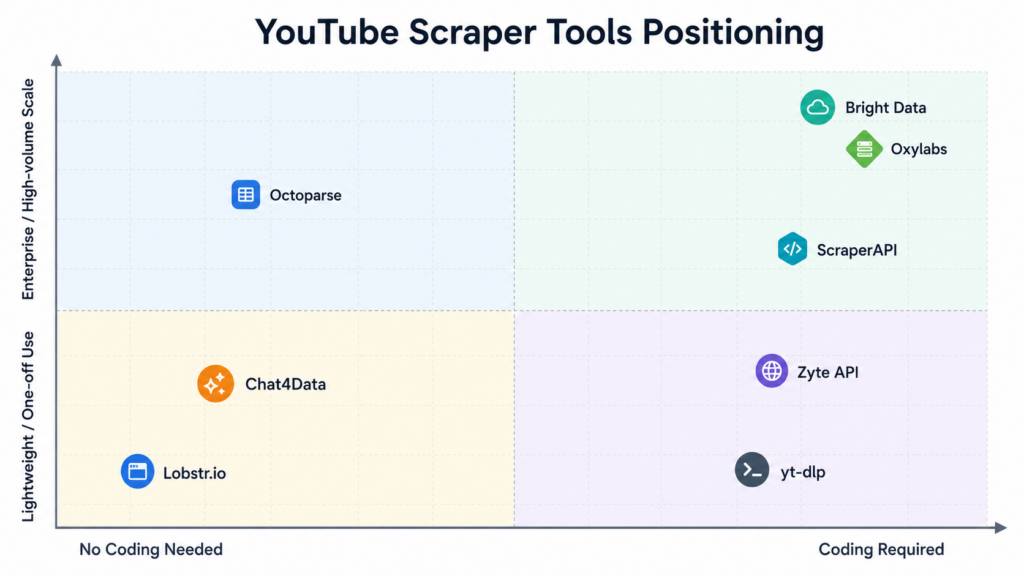
- Chat4Data: Conversational AI Agent for Data Collection
- Octoparse: Point-and-Click Templates with Cloud Scheduling
- Bright Data: Proxy Network Plus Pre-Scraped Datasets
- Oxylabs: High-Volume Batch Processing at Scale
- ScraperAPI: Clean API Integration for Developers
- Lobstr.io: Fast Channel and Email Research
- Zyte API: General-Purpose, Multi-Site Scraping
- yt-dlp: Free, Fully Custom, Command-Line Scraping
I was pulling data on 20 competitor channels for a content audit a few months ago, and every tool I tried broke differently. One choked past 200 uploads and stopped halfway through. Another returned view counts as strings with commas, so my spreadsheet formulas broke. A third silently skipped any video with a non-English title. None of this showed up until I was three channels deep, meaning I had to re-run the whole batch. That’s when I decided to actually test every YouTube scraper I could find, instead of trusting whatever ranked first in search.
This is the list I wish I’d had. Eight tools, from a no-code AI option you talk to in plain English, to proxy-heavy youtube scraper api services built for teams pulling millions of records a day. I’ll also show what a real extraction plan preview looks like before you spend any credits, and the workflow I now use every week to check competitor channels.
What Is a YouTube Scraper
A YouTube scraper pulls public data off YouTube (titles, view counts, comments, subscriber numbers, upload dates, descriptions) and turns it into a spreadsheet you can use.
There are two broad families. The older generation runs on proxy rotation and pre-built parsers, aimed at developers comfortable with API keys and rate limits, and most youtube scraper api products live here. The newer, AI-native generation lets you describe what you want in a sentence and the tool figures out the rest. Which one you need depends mostly on whether you want to write code.
What You Can Actually Do With Scraped YouTube Data
People scrape instead of just watching videos because YouTube’s interface wasn’t built for comparison or analysis at scale. Common use cases:
- Content strategy. Pull the last 50 titles, view counts, and upload frequency from a few channels in your niche to spot what’s working before you plan your own calendar. A good youtube video scraper turns this into a five-minute job.
- Competitor tracking. Get subscriber growth, upload frequency, and top videos in one export instead of manually checking each week, the exact workflow covered further down.
- Market and audience research. Comments under product reviews or tutorials are some of the most candid opinions online. A youtube comment scraper across dozens of videos beats reading one by one.
- Influencer and partnership vetting. Channel-level data (subscribers, average views, upload consistency) helps you sanity-check a creator’s numbers before reaching out.
- AI and RAG pipelines. Titles, descriptions, and transcripts give you a clean text corpus, distinct from scraped articles or forum posts, which is why some teams use it for training or retrieval-augmented generation.
The common thread: none of this is about one video. It’s about spotting patterns across dozens or hundreds at once, the entire reason a scraper beats opening YouTube in a browser tab.
Is It Legal to Scrape YouTube?
Scraping public YouTube data is generally legal, as long as you’re not collecting content behind a login wall, not scraping personal data without a legitimate reason, and not hammering YouTube’s servers hard enough to disrupt service. The same rules that apply to any public website apply here. I kept an eye on this while testing, since a couple of tools below offer login-based scraping, which changes the risk calculus. Laws and YouTube’s own Terms of Service shift, though, so for a commercial project at scale, talk to a lawyer rather than relying on a blog post, including this one.
The 8 YouTube Scrapers I Tested in 2026
1. Chat4Data: AI Agent for Data Collection
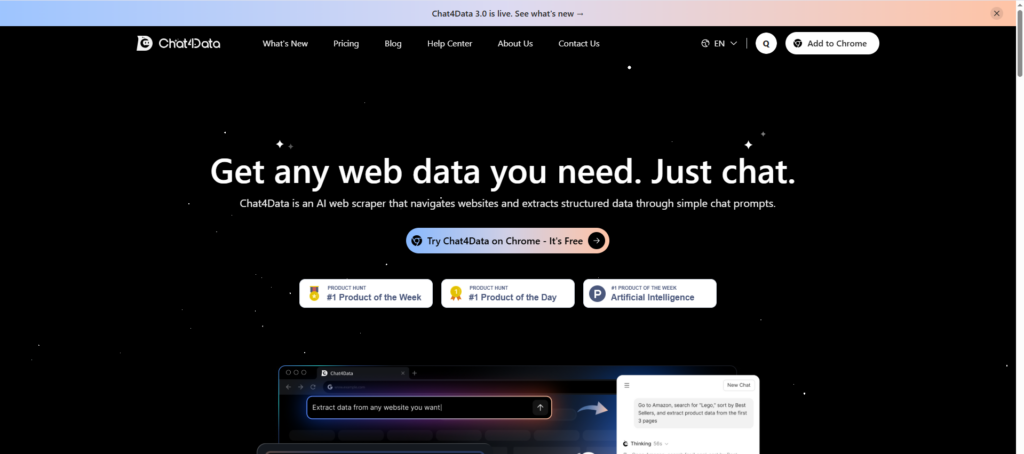
Chat4Data is a newer AI youtube scraper built around a Chrome extension powered by models like Gemini and Claude. Instead of picking fields from a menu or writing a selector, you type what you want in plain language, something like “get the title, view count, upload date, and top 20 comments from this channel’s last 30 videos.” The AI reads the page, builds an execution plan, and shows you a preview before anything runs.
The workflow in practice:
1. Open the extension. Navigate to the YouTube page you want, then click “Collect current page field information.”
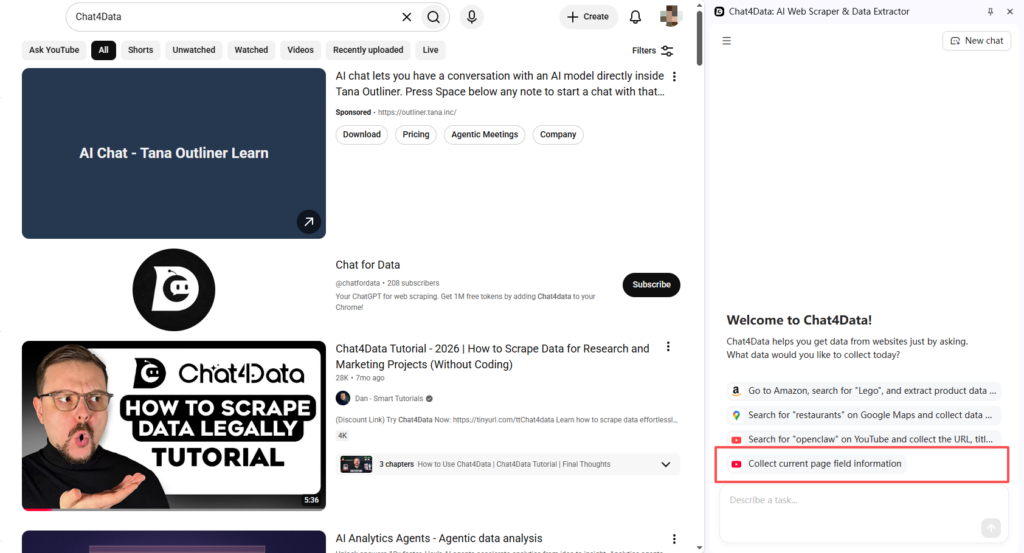
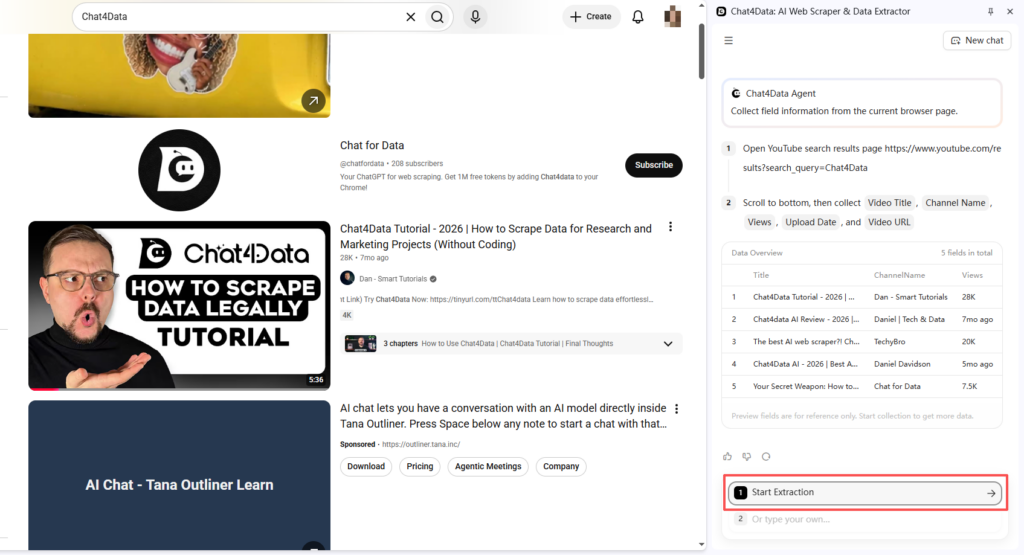
2. Review the plan. The AI explores the page and shows exactly what it plans to extract, along with a data sample — so you can catch mistakes before spending credits on data collection.
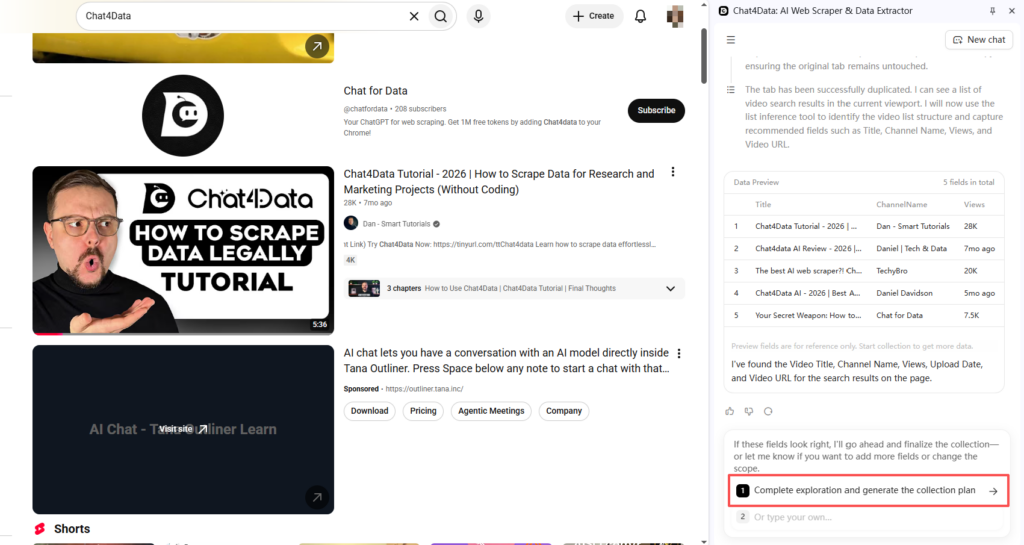
3.Start extraction. Once the plan and data preview look right, kick off the extraction.
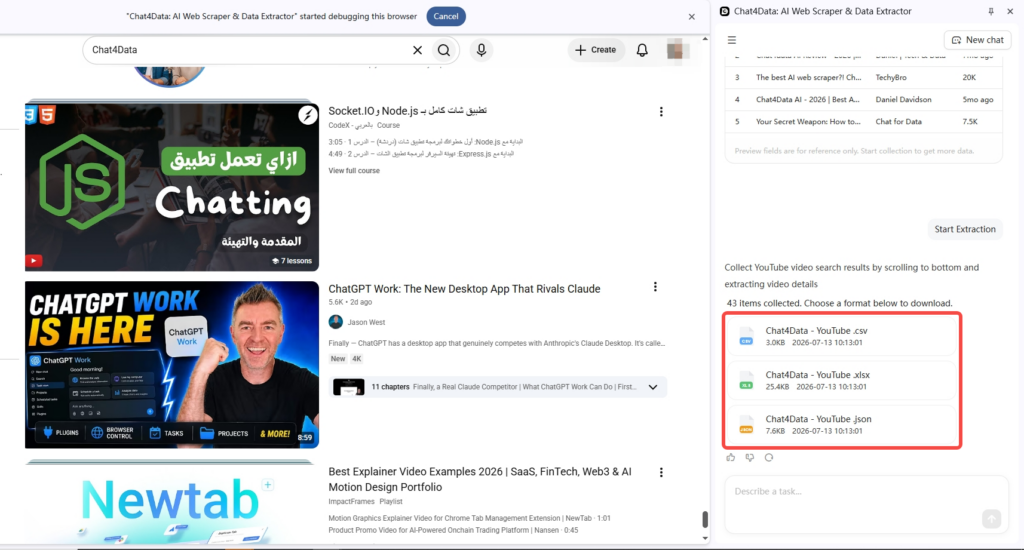
4. Export your data. Results come out as Excel, CSV, or JSON, ready to use.
What stood out after a few weeks of use:
- Conversational setup. No CSS selectors, no field mapping UI, just a sentence describing what you need.
- Plan preview before execution. I haven’t seen this anywhere else on this list. You see what the AI is about to do before it costs you anything, which matters when testing a new page structure.
- Reusable tasks. A working task costs fewer credits to re-run later, which helps if you’re tracking the same channels weekly.
- Whole-page extraction in one pass. No stitching together separate calls for metadata, comments, and channel info, useful if you want a youtube comment scraper and a metadata puller in the same run.
- Runs locally in your browser. Scraping happens in your own browser session rather than routing target pages through a third-party server, which matters if privacy is part of your evaluation.
Honest limitations: a single AI analysis takes around one minute to plan, and it’s not built for industrial-scale jobs pulling tens of thousands of pages a day. For that volume, a proxy-based API further down this list will serve you better.



2. Octoparse: Point-and-Click Scraping for Non-Coders
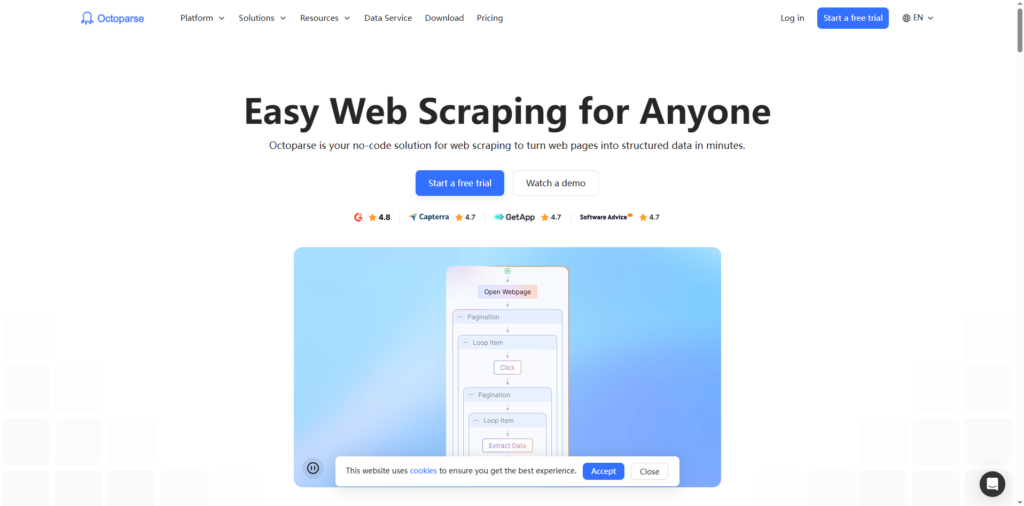
Octoparse is a visual, no-code scraper built around a point-and-click task builder: you click the elements you want on a YouTube page (title, view count, upload date, comments), and it auto-detects the same pattern across every similar video or channel page you feed it. It ships pre-built templates for common YouTube page types, so a lot of the time you’re not building a task from scratch at all, just tweaking one that already exists.
I pointed it at a channel with several hundred uploads to see how it handled scale, and it worked through the batch without hitting the wall the official YouTube Data API imposes.
- Point-and-click task builder; no CSS selectors or scripting required to define what gets extracted
- Cloud-based extraction with scheduling, so you can set a task to run hourly, daily, or weekly instead of kicking it off manually every time, useful for the kind of recurring competitor check covered later in this piece
- Pre-built templates for YouTube channel and search-result pages that cut setup time for common jobs
- Flexible export options, including CSV, Excel, JSON, or pushing results directly to a database via API
- Steeper learning curve than a pure AI chat tool when a page’s structure is unusual, you’re still configuring a visual workflow rather than typing a sentence, so there’s more setup than Chat4Data for a one-off job
3. Bright Data and Oxylabs: Enterprise Infrastructure for Serious Scale
These two solve the same problem the same way: dedicated YouTube API endpoints, proxy networks, and volume-based pricing. If you’re evaluating a youtube scraper api for a production pipeline rather than a one-off pull, this is the tier to look at.
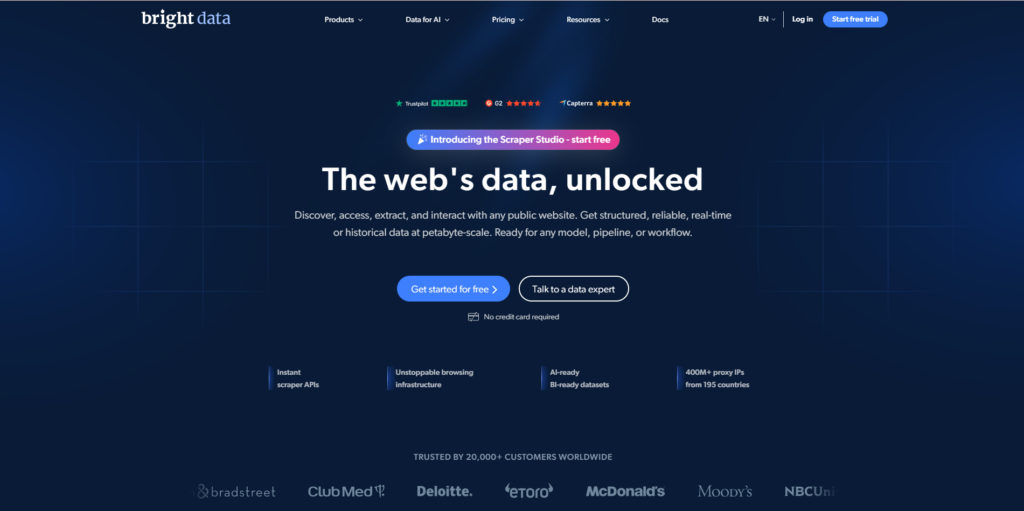
Bright Data offers three paths to the same data (a general scraper, pre-scraped YouTube datasets, and a dedicated API), with exports going straight to AWS, Google Drive, or Google Cloud Storage.
Oxylabs leans into batch processing, submitting up to 5,000 video IDs at once with scheduled delivery, and its AI-assisted parsing adapts when YouTube changes its page layout. Oxylabs advertises a success rate above 95%; I haven’t independently re-tested that at scale, so treat it as a vendor claim worth verifying against your own workload.
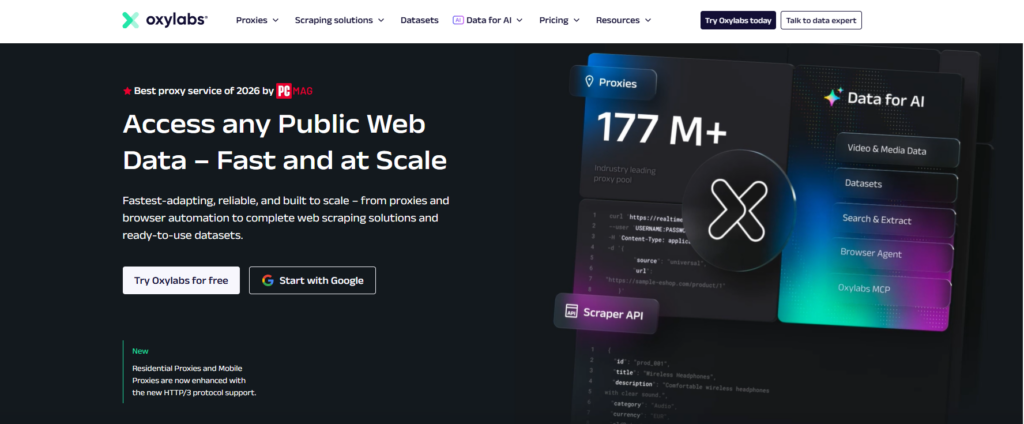
Both charge per-record or by bandwidth, which adds up fast for small projects, and both assume you have engineering time to integrate an API, not just click a button.
Between the two: Oxylabs’ batch submission and layout auto-adaptation edge it out for video-ID-at-scale jobs, while Bright Data’s pre-scraped datasets are faster if you’d rather buy data than build a pipeline.
4. ScraperAPI: Developer-Friendly YouTube Data API
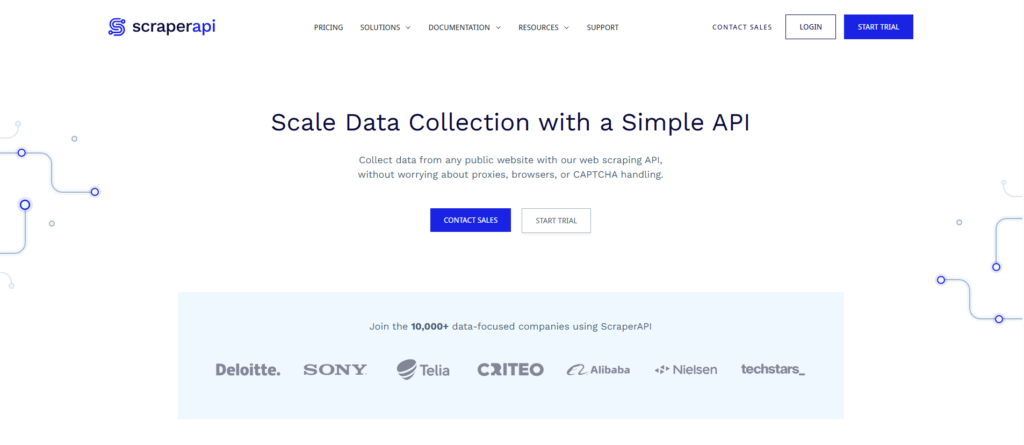
ScraperAPI is for people who want to keep writing code but skip proxy rotation, CAPTCHAs, and headless browser management. As a youtube scraper api, you send a request with a URL and API key, and get structured data back. I ran it against search result pages from different countries using the geotargeting option to scrape youtube search results by locale, and the localized results came back correctly each time, though I had to write my own parsing to get the fields I wanted.
- Supports geotargeting to pull YouTube results as they appear in different countries
- Clean integration for existing Python or Node pipelines
- No dedicated YouTube parser out of the box, so expect to write parsing logic yourself, including when you scrape youtube search results for keyword research
5. Lobstr.io: Lightweight Channel and Email Scraper
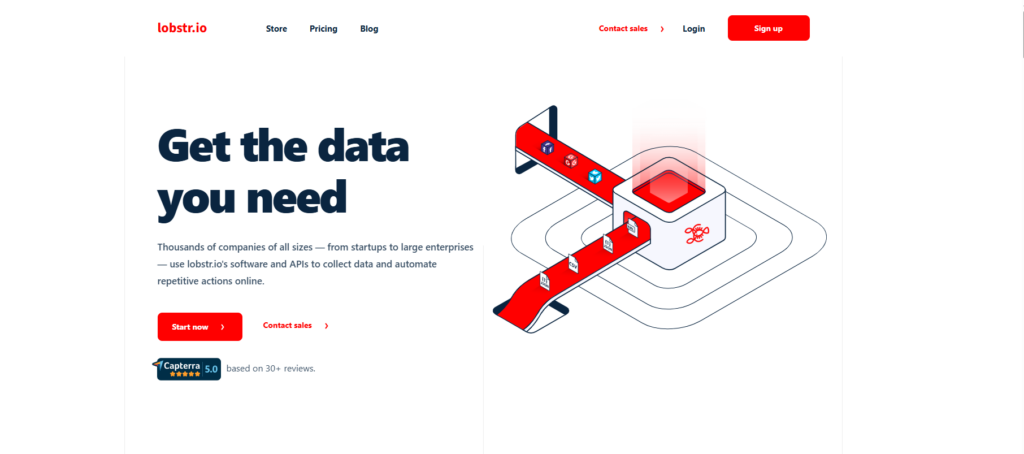
Lobstr.io focuses on channel-level data rather than the entire YouTube surface. Its YouTube Channel Scraper doubles as a solid youtube email scraper: point it at a URL and it pulls channel details, including any public email in the About section, genuinely fast to set up. I timed my own setup from install to first result, and it landed right around the advertised 90 seconds.
- Clean, no-code interface; launch a scrape in under 90 seconds
- Great fit if channel research and lead-gen outreach is your main use case
- Weaker on video-level and comment data than the other tools here
6. Zyte API: General-Purpose Scraper With Usage-Based Pricing
Zyte, the team behind the open source Scrapy framework, offers a general web scraping API that handles YouTube with little extra configuration. It runs as a straightforward HTTP API or a proxy-style setup.
- Pricing adjusts with site difficulty, so costs can shift
- Solid choice if you already scrape multiple sites and want one tool for all of them
- Screenshots and sessions are API-only, not available in proxy mode
7. yt-dlp: Free and Open Source, If You’re Comfortable With Code
yt-dlp is a command-line tool that scrapes YouTube without API keys or quota limits, pulling video metadata, subtitles, comments, and more, entirely free. Search for a youtube channel scraper github project and this is the one that keeps coming up. It’s actively maintained with frequent releases, and it handles edge cases others struggle with: private playlists, age-restricted videos, geo-blocked content.
- Zero cost, extremely flexible; active GitHub maintenance means patches for YouTube’s layout changes land fast
- No GUI, so you need to be comfortable with terminal commands and configuration
- You’re on your own for proxy rotation and rate limits at any real scale
Comparison Table: Which One Should You Actually Pick
Eight tools side by side, so you can scan coding requirements and starting price without re-reading the details above.
| Tool | Best For | Coding Required | Starting Price |
|---|---|---|---|
| Chat4Data | No-code users, AI-guided setup with plan preview | No | Free tier, credit-based |
| Octoparse | No-code scraping with cloud scheduling and templates | No | Free tier, usage-based |
| Bright Data | Enterprise-scale data pipelines | No | Custom, usage-based |
| Oxylabs | High-volume batch processing | Minimal | Custom, usage-based |
| ScraperAPI | Developers integrating a youtube scraper api into existing code | Yes | From $49/mo |
| Lobstr.io | Channel and email research | No | Free tier available |
| Zyte API | General-purpose scraping across multiple sites | Minimal | Usage-based |
| yt-dlp | Free, flexible, technical users (find it as a youtube channel scraper github project) | Yes | Free |
Ease of use and raw scale tend to trade off. Chat4Data and Lobstr.io get you going fastest with zero setup, while Bright Data and Oxylabs trade that simplicity for infrastructure built for serious volume. Where you land depends on whether you’re running a one-off research task or a recurring pipeline.
The Bottom Line
Match the tool to how you’ll actually use the data, not to the longest feature list. For one-off audits or a weekly channel check, stay no-code: Chat4Data for metadata and comments together, Lobstr.io for channel details and email. For real scale, move to the proxy-based APIs and dedicated platforms: Octoparse for no-code scraping with scheduled, cloud-based runs, Bright Data or Oxylabs for volume and reliability, ScraperAPI or yt-dlp if your team has the bandwidth to own the integration. Whichever you choose, the legal and etiquette basics covered earlier still apply.
Frequently Asked Questions
How long does it take to get results from a YouTube scraper?
For a single channel or video page, AI agent like Chat4Data typically return results within a couple of minutes once you confirm the plan. Proxy-based APIs like ScraperAPI or Bright Data respond per request in seconds, but bulk jobs across thousands of pages can run for hours depending on rate limits and concurrency.
Can no-code tools scrape YouTube comments, not just video metadata?
Yes. Tools like Chat4Data and Octoparse work as a youtube comment scraper alongside pulling video metadata, though depth varies. Chat4Data lets you specify exactly how many comments or which sort order you want just by describing it.
Will scraping get my YouTube account flagged or banned?
Scraping public pages while logged out, or through a tool running in your own browser session, carries minimal risk to a personal account since you’re not automating actions like liking or subscribing. Risk rises if a tool scrapes through your logged-in session while also acting on your behalf, so check what a tool actually does before pointing it at data behind a login.
Can I export scraped YouTube data to Excel?
Most tools here, including Chat4Data, Octoparse, Bright Data, and Lobstr.io, support direct export to Excel.