
Across various industries, there is a growing need for quickly and efficiently scraping data at scale. Especially data professionals, marketers, and strategists are looking for an end-to-end solution to scale their businesses. A browser extension is a very accessible and easy-to-install approach that can cover all these industries in one and offer amazing features to each. Today, I will focus on no-code data scraper extensions that have all the best and industry-level features without complex programming knowledge.
At the end of the article, you will be able to understand:
- Comparison between desktop vs. extension scrapers and how much time they save
- What extension is best for different use cases
- Top 8 extension-based data scrapers
- How to choose and use the dedicated scrapers in the form of a browser extension
- Winner of my no-code data scraper extension of 2026 guide
Extension Scraper vs. Desktop Scraper
The first question that came to mind when I first heard of extension scrapers is “Why would I even use it, and is it really better than a desktop application scraper?” This question led me on a spiral to test many of them, and I can tell you it is much better, especially for beginners. Let’s break it down into multiple categories for core distinctions:
| Feature | Extension scraper | Desktop scraper |
| Setup method | Install in browser | Install a standalone application on a computer |
| Setup speed | Instant | Variable – Many configurations during installation |
| Ease of use | High – direct access to webpages and configuration done | Medium to High – Can be tricky to set up at first, but it works well in the long run |
| Resource usage | Close to none – all done in Chrome by the model | Medium to High – separate app uses internal resources (CPU and memory) to process requests |
| Mainte-nance | Automatic updates in the browser | Medium – might require updates |
| Portability | High – install in any browser fast | Medium – installs on the machine and has to be configured each time |
The most significant difference is the setup, where a substantial amount of time is saved and the resources it utilizes. Although browsers and their extensions also consume resources to process requests, they are significantly lighter in terms of resource consumption compared to some desktop scrapers.
Other features, such as no-code functionality, anti-bot bypass, and pagination handling, are typically found in both extension-based and desktop-based data scrapers. Extensions for dedicated data scraping nowadays focus more on AI features that enable them to work like ChatGPT for data scraping.
In particular, cases where desktop scrapers prevail often feature advanced capabilities, including scheduled scraping, monitoring, and automated workflows. Ultimately, we seek a no-code, fast solution that requires minimal setup and configuration. In most cases, extensions are the preferred choice.
What Makes a Great Data Scraper Extension?
Knowing these facts will help you distinguish between great and other data scraper extensions on the vast market. When I look for a tool, I want it to fit my use case, of course, but also it must include these points as features:
- No-code interface is a strict must-have feature for data scraper browser extensions. Not only is it easy to use, but it is also very fast and portable.
- Handling pagination and Multi-page support is one of the essentials when it comes to scrapers, and it must be crucial for an extension as well. When I fetch data, I want it to be precise and robust. Hence, this feature is a must.
- Natural language prompting in the era of AI features is convenient when it comes to data scraper extensions. This enables the user to interactively and precisely define what data is required, and with intelligent algorithms, the scraper can handle the rest. This eliminates the need for a complex setup environment, saving time and effort.
- Export format options are crucial because they enable viewing and further processing in select formats. The essential formats we want are CSV and JSON, as these are the most widely used and flexible for post-processing the fetched data.
- Privacy processing requires the tool to process all data locally or, at the very least, not store it on their servers after processing.
Top 8 Data Scraper Extensions for 2025
Extensive testing of all available market options has led me to compile this comprehensive list of the Top 8 no-code data scraper extensions for 2025. I will compare key features, pros, cons, pricing, and ease of use for each tool. Let’s take a look!
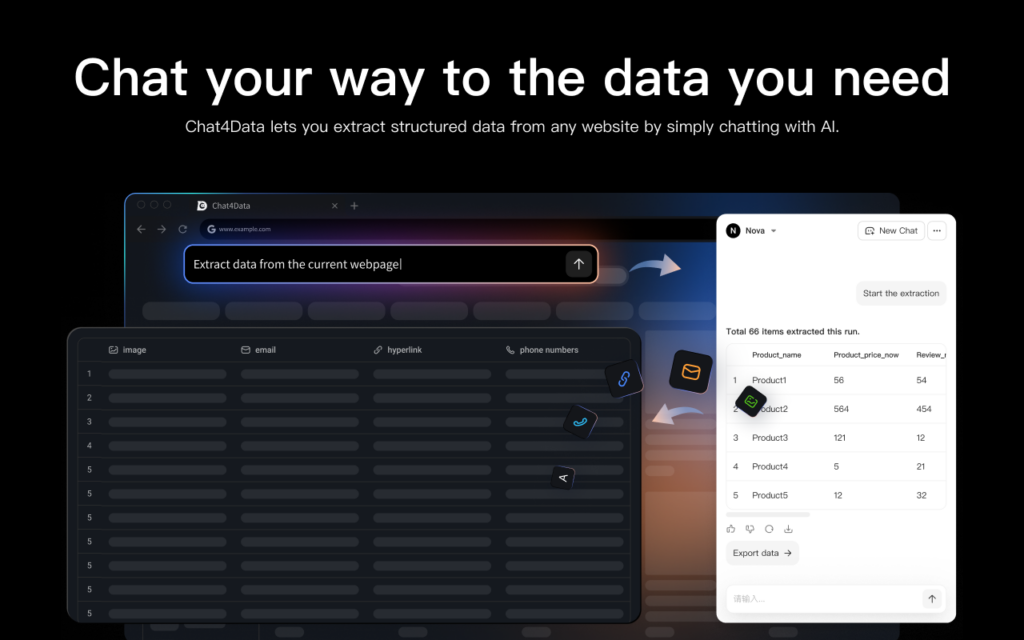
Chat4Data
The first extension we examine today is Chat4Data, as it offers most of the features we seek in a data scraper extension. It stands out because it utilizes natural language prompting and AI-enhanced features to extract data.
Key Features:
- Natural language prompting means explaining what data you need in plain language, and the tool fetches it for you accordingly.
Pros:
- Privacy-focused is essential as the tool processes everything locally and can scrape data from websites that require a login.
- Ability to scrape list and subpage data — a feature that many data scraper extensions do not have.
- Efficient credit usage enables this tool to be utilized for various scraping tasks.
Cons: The user must be in the window where Chat4Data is actively scraping.
Pricing: Freemium – depending on your scraping demands.
Ease of use: High – Even when I am not sure what I want to scrape, Chat4Data auto-suggests prompts that can navigate me in the right direction. After that, it precisely and quickly fetches all the data I need.
Instant Data Scraper
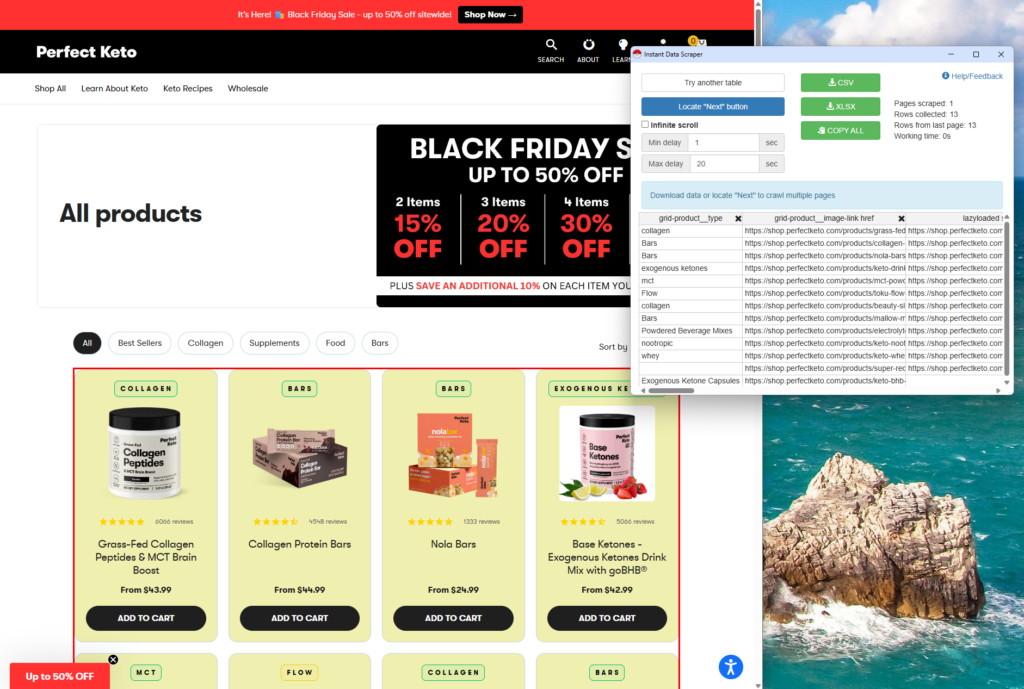
As the name suggests, this scraper gets the data instantly with complete control over what is scraped. In this market, it is rare for a scraper extension to be completely free, and that is no exception.
Key Features:
- AI field detection features and no-code extractions.
- Customized crawling speed to adjust to human-like behaviour.
Pros: Instant setup. Completely free and perfect for simple scraping tasks.
Cons: It can be more challenging to use for complex data and requires a timely setup for each scraping task. Limited customization possibilities.
Pricing: Free
Ease of use: Medium to High. In most cases, it is straightforward to use, except for the more complex tasks, for which it takes time to set up.
Thunderbit
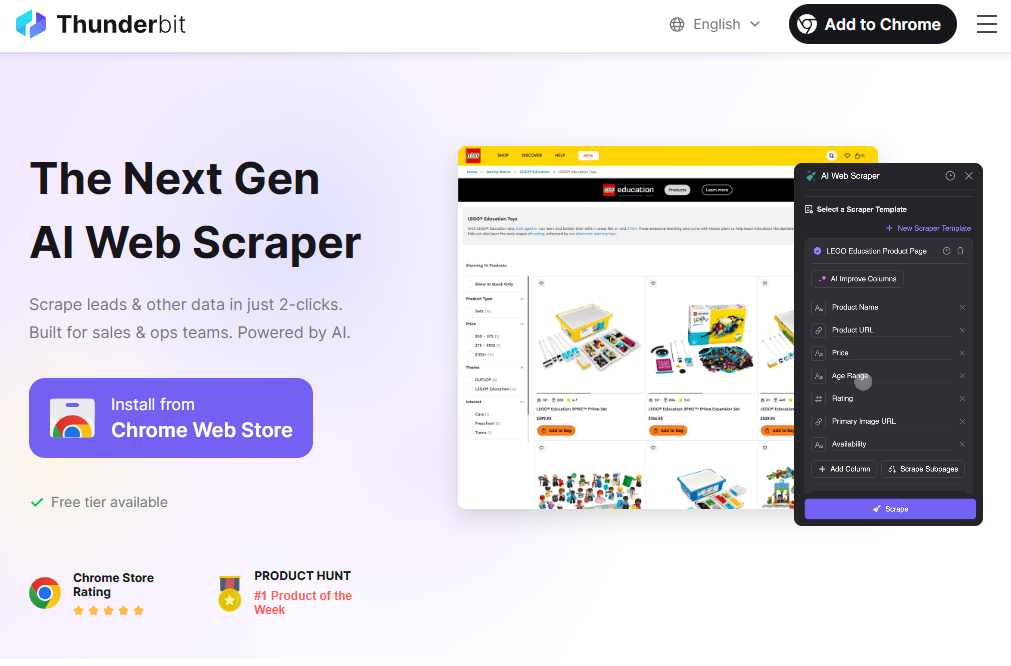
Thunderbit utilizes AI suggestions and a polished interface to cater to business users who require regular, quick data extractions.
Key Features:
- Prebuilt templates
- Natural language scraping
Pros: Great user interface, intelligent field detection, and business-friendly features.
Cons: Larger projects can run up the bill for usage.
Pricing: Freemium. Starting free with a limited six-page plan and pro plans from $15 (500 credits) to $38 (3k credits) per month.
Ease of use: High. No complex setup required.
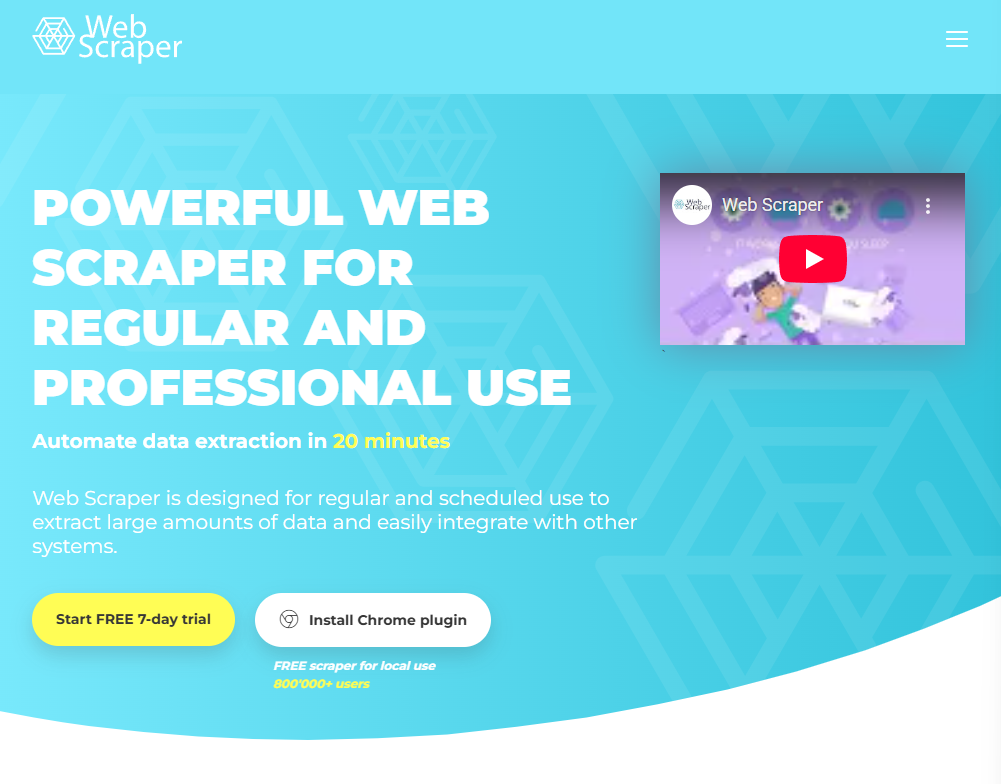
WebScraper
Webscraper takes extension data scraping to a new level, enabling the automation of scraping jobs.
Key Features:
- Visual point-and-click interface.
- Scheduler-based scraping for recurring tasks.
- IP rotation for avoiding anti-bot algorithms.
Pros: Scales well from simple to complex projects and has reliable performance.
Cons: Quite a learning curve for complex sitemaps.
Pricing: Freemium. Although the extension is free for local use, it is limited in features, so it requires an upgrade to premium plans, which range from $50 to $200 per month.
Ease of use: Medium. It can be timely to learn.
Browse AI
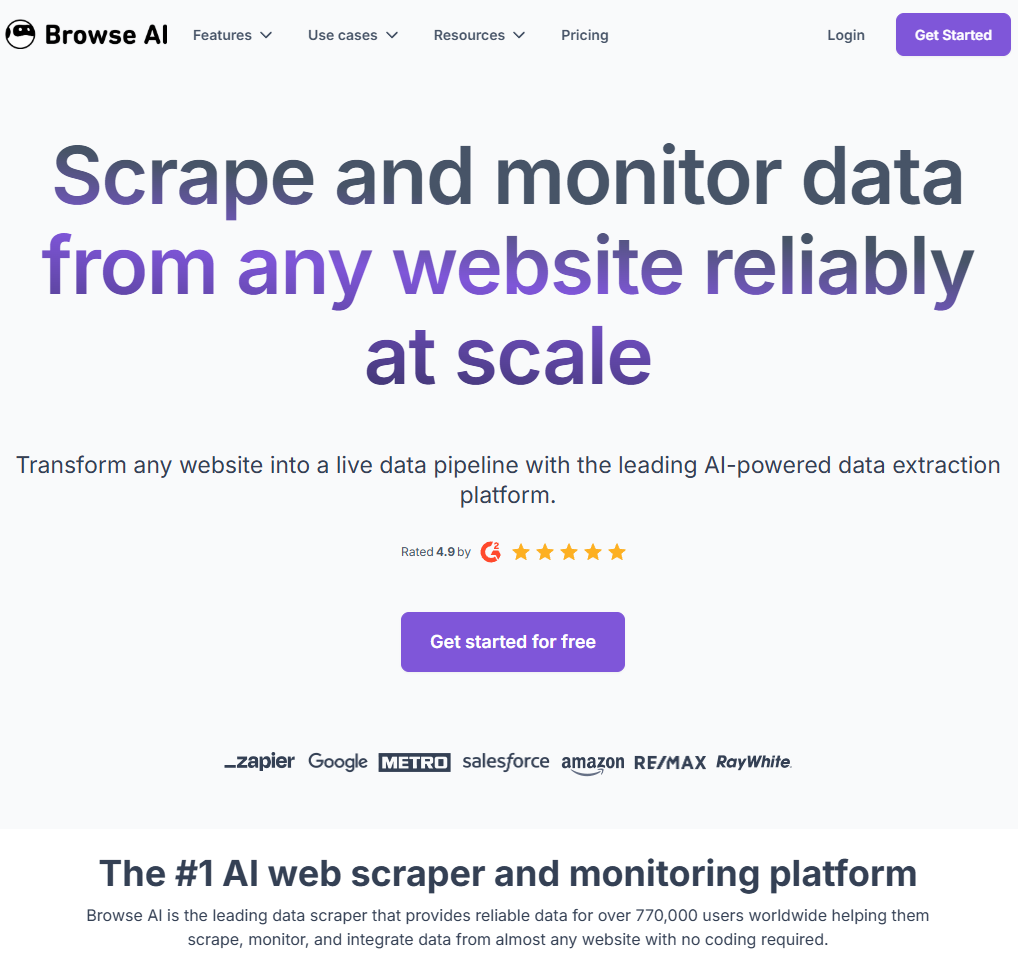
Among basic data scraping features, BrowseAI has monitoring features, which distinguish it from other extension data scrapers. This tool is mainly meant for professionals who want to scrape data at scale, utilizing the best and latest features.
Key Features:
- AI-based scraping for high accuracy.
- Monitoring and scheduled cloud processing.
- Integration with many tools like Zapier, Airtable, Pabbly, or as Webhooks.
Pros: Easy setup for already supported websites, reliable monitoring.
Cons: The cost can be high, but the benefits make it worthwhile for most companies.
Pricing: Freemium. From 50 credits (2 websites) in the free plan and from 19$ (12k credits) up to 500$ (600k credits), depending on the usage.
Ease of use: High. Works great for simple and complex projects.
Data Miner
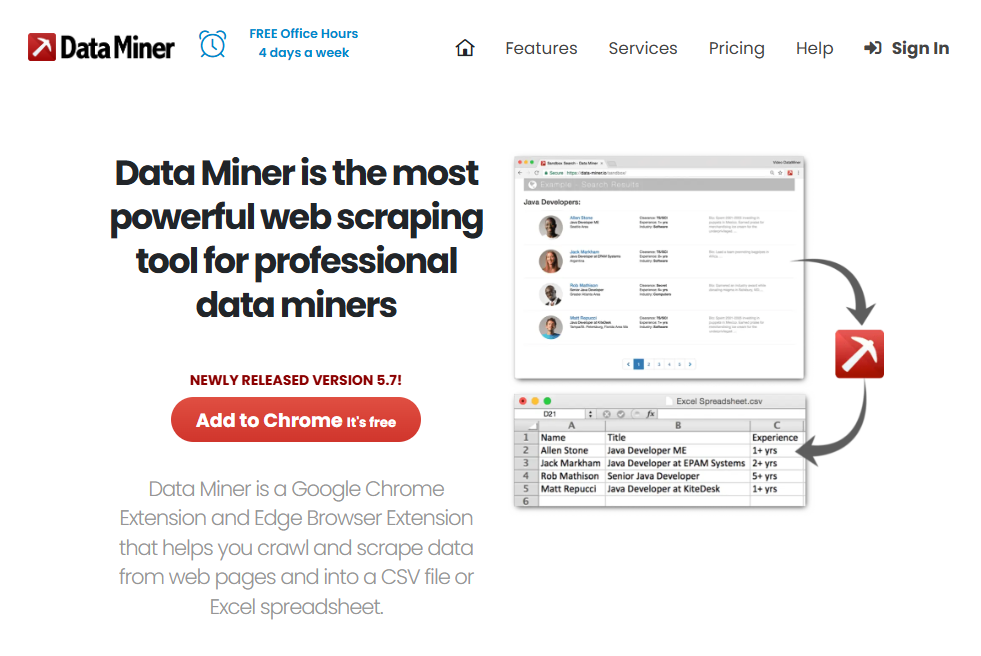
A data miner is a versatile tool that strikes a balance between simple features and advanced usage. It offers a good interface and customizable control of scraping tasks.
Key Features:
- Pre-built templates for popular websites.
- Workflow builder with CSS/XPath support.
Pros: Security is number one on their list of features, automated scraping, and a one-click interface.
Cons: Most advanced features require some technical knowledge.
Pricing: Freemium. Generous free plan with 500 pages/month for scraping, and premium plans range from $20 to $200, depending on the number of pages to scrape and additional features included.
Ease of use: High to Medium.
Bardeen
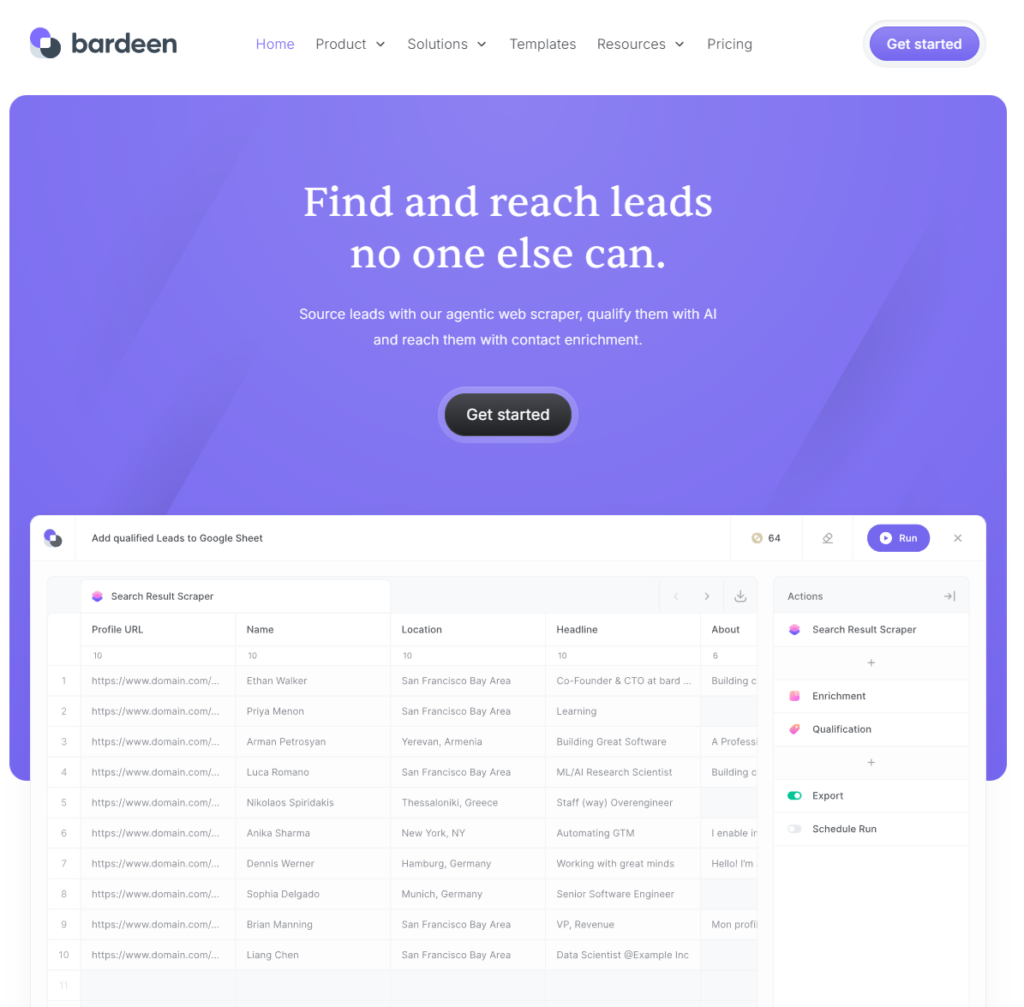
This extension data scraper offers a unique combination of data extraction and workflow automation, allowing users to not only fetch the data they want but also process it further in other services.
Key Features:
- AI-powered prompting
- Wide-spread integration with services like Notion, Airtable, and Google Sheets
Pros: It offers more advanced features, such as automated workflows, making it suitable for use in more complex scenarios.
Cons: Users complain about experiencing performance issues and a lack of AI features.
Pricing: Premium. Depends on usage, ranging from $10 (100 credits) to $50 (1000 credits) per month. An enterprise deal is available too.
Ease of use: Medium. Requires a lengthy learning curve when starting with workflows.
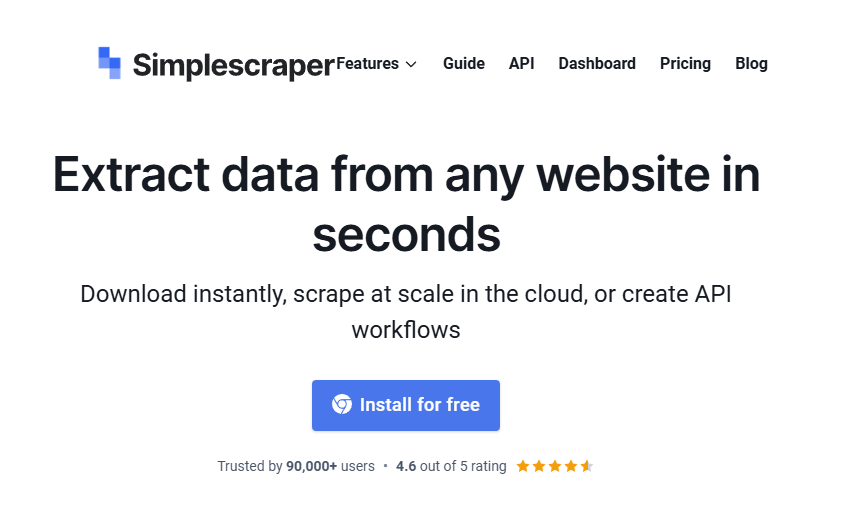
Simplescraper
Although it is called a simple scraper, this tool bring a variety of features ranging from basic to advanced ones.
Key Features:
- Integrations with various services, such as Airtable, Zapier, Google Sheets, or via webhooks, are available.
Pros: Has a dashboard for an easier overview, API access, and a custom schedule for scraping tasks.
Cons: It has limitations with complex websites and lacks a pre-built template library. It can be quite pricey based on usage.
Pricing: Premium. Credit-based usage. From 39$ (6k credits) to 249$ (100k credits) per month.
Ease of use: Medium to High. Can struggle with setting up for scraping more complex websites.
How to Choose the Right Data Scraper Extension
With so many great options in the market, let’s make a more straightforward overview so that we can keep it in mind:
| Scraper name | Use case | Ease of use | Pricing | Best feature |
| Chat4Data | Quick and direct extractions | 5 | Freemium (token usage) | Natural language prompting |
| Instant Data Scraper | Instant scraping, simple table | 5 | Free | One-click interface |
| Thunderbit | Business users | 4 | Freemium | AI prompts and integrations |
| Webscraper | Scaling from simple to cloud scraping | 3 | Freemium | Visual point-and-click interface |
| BrowseAI | Simple to advanced business use cases | 4 | Freemium | Change monitoring and alerts |
| Data Miner | Custom workflow building | 4 | Freemium | Template workflow store and builder |
| Bardeen | Automation and further integration | 3-4 | Premium (credits-based) | Vast integrations |
| Simplescraper | Simple to advanced scraping | 4 | Premium (credits-based) | Cloud and API workflows |
Depending on the quantity of usage and primary goal, I would break this down into a few categories to help you decide what tool to choose:
Starting with Scraping
If you are starting with scraping, these tools will provide maximum performance with minimal setup effort and no programming knowledge required. They still allow you to scale, so there is no need to switch even when progressing into bigger projects. These are my recommendations:
- Chat4Data is the best approach to fast setup, precise extraction, and bulk automated intelligent scraping with pagination handling and AI features. By far the best option in the current market.
- Instant Data Scraper is a simple yet free alternative, primarily designed for basic scraping. It can export in different formats, but requires some configuration.
- Simplescraper can create API workflows and scales better for larger projects, while still bringing basic features and simple data extractions. Compared to other simple tools, it is more complicated to configure correctly.
Business and large-scale use
In this category, I typically look for more advanced features, such as scheduled data extraction for Business Intelligence, market research, and cloud scraping, among others. Here is the list:
- BrowseAI – works best for large-scale and enterprise data scraping, offering powerful features such as monitoring, scheduled tasks, and automated workflows.
- WebScraper – at its core, it is an extension that can also be used in the cloud for more advanced features, such as IP rotation and task scheduling.
These tools offer the right balance of polished extension data scraper feeling and all professional features.
Why is Chat4Data the Best Browser Extension Scraper?
Extensive testing of different use cases and tools has led me to conclude that Chat4Data is the absolute best choice for a browser extension data scraper. It’s not only great for beginners but also an excellent choice overall when it comes to the advanced capabilities I look for in a significant data scraper extension It can scrape any website you are on with a simple natural language prompt, without worrying about authentication, anti-bot algorithms, or pagination issues.
While working with Chat4Data, I discovered how credit-efficient it is. Let me show you, in a real-world example, how it works while scraping an e-commerce website:
The initial prompt is to extract all the data from the current website. Let’s see what Chat4Data finds.
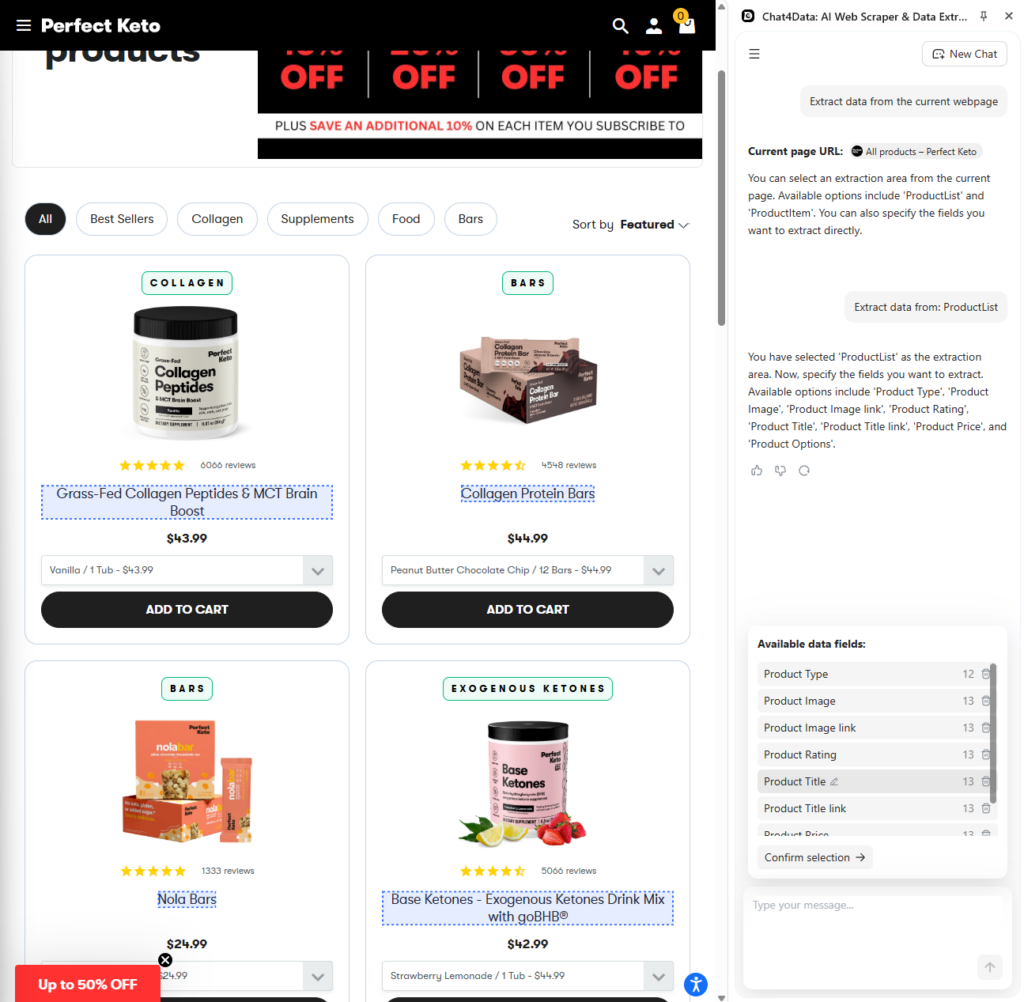
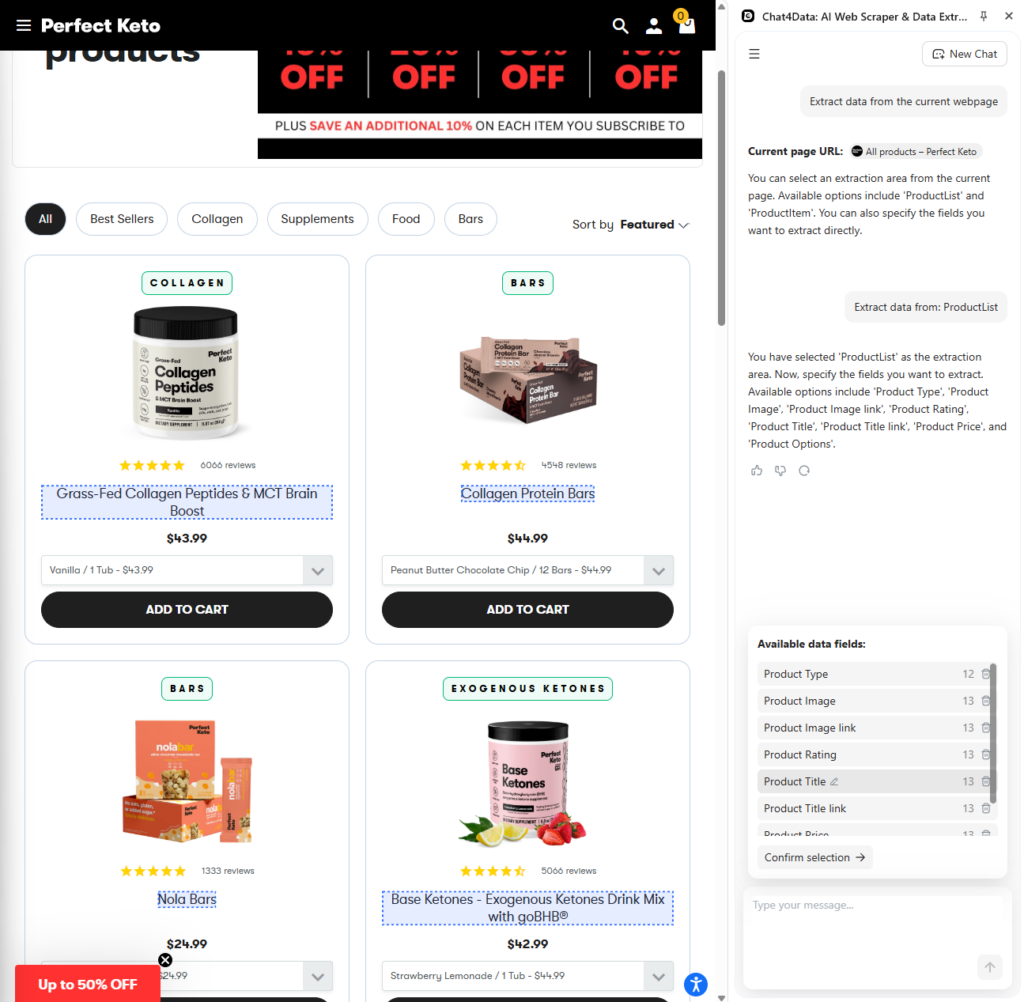
After the scanning, there are clean categories of data that can be scraped. I proceed to collect it all, and here is what that looks like in Excel format (CSV).
The most important Chat4Data features are:
- Natural language prompting is the golden feature that distinguishes Chat4Data from other tools. Simplicity and a fast approach make this tool the most usable on the market.
- Auto-detection of fields enables users to easily find all the elements needed for scraping without worrying about which fields those are.
- Direct browser interaction allows Chat4Data to have direct access to the content of the website I want to scrape. It processes everything locally, without authentication and with instant visual feedback.
- A no-code tool that requires no setup and already has a preconfigured, simple interface after installation.
- Automatic anti-bot bypass and pagination handling are essential features in the data scraper extension’s feature set.
Conclusion
When making a decision about which tool to use, it can significantly influence the workflows and processes later on. That is why this comparison helped showcase different aspects of many current data scraper extensions. With numerous options available, most users prioritize features such as no-code, speed, and cost-effectiveness. Chat4Data is a definite winner here and is ideally positioned to bring forward all the no-code and natural language prompting features to the end user.
All the innovations in the AI world are brought through the Chat4Data tool, so you won’t make a mistake by downloading Chat4Data for most of the scraping needs you have.
FAQs About Data Scraper Extensions
1. How do data scraper extensions handle dynamic structures?
The built-in browser automation can handle dynamic content, as it has full access to the web pages from which I want to extract data. This enables it to check the current structure and adjust the algorithm accordingly, continually. Among other features, data scraper extensions can:
- Execute JavaScript code
- Wait for AJAX requests to complete
- Interact with HTML elements
Chat4Data provides automatic field detection and visual insight into the data that will be scraped.
2. Can data scraper extensions bypass anti-bot protections?
Yes, data scraper extensions behave like humans or manual scrapers and therefore bypass any anti-bot detection. Powered by advanced algorithms and AI, they adapt their behavior and find appropriate elements to scrape and serve data in the correct format.
Chat4Data takes it one step further, handling CAPTCHA challenges with AI-powered solutions that automate everything for the user in the background.
3. What are the benefits of using AI for extension scrapers?
An AI-powered data scraper extension offers several advantages over a traditional scraper. This includes:
- Advanced scanning of dynamic HTML structures
- Filtering what data is relevant for the user
- Intelligent prompting that suggests directly to the user what data it can fetch
These are just a few of the features AI-enabled data scraper extensions offer. Overall, AI enhances their efficiency in finding and scraping data.
4. Can data scraper extensions fetch data on websites that require authentication?
Yes, some scrapers, like Chat4Data, can scrape data while on the website and authenticate. There is no need to share the credentials with Chat4Data, as it only accesses the content on the website.
5. Is it legal to use extension data scrapers?
Yes, with precautions. Always keep the following in mind:
- Be careful when scraping personal data and do it ethically
- Read the terms of service of the particular website you scrape
- Never violate the rules and respect companies and their data
 Try AI Web Scraper