
Last month, I needed phone numbers for about 180 dental practices in Phoenix. I started copying them out of a directory by hand and gave up after the first 30. By then, half my rows had broken formatting, and I’d duplicated three of them. A decent phone number extractor would have finished the whole list in 20 minutes.
The phone channel still drives outbound, too. 82% of buyers report having accepted a sales meeting after a cold call. But that only holds when your contact data is clean.
Below are 10 tools I’ve tested across three categories: AI and no-code web scrapers, lightweight Chrome and text utilities, and B2B contact databases. Each entry is honest about what works and what falls short.
What Is a Phone Number Extractor?
A phone number extractor is a tool that finds and pulls phone numbers from a source. That source can be a webpage, a file, a chunk of pasted text, or a B2B contact database. Some tools only grab the numbers; others grab the surrounding context (names, companies, addresses) in one pass.
Three categories cover the field:
- AI and no-code web scrapers. Pull whole contact records from any public page through plain-English prompts or visual workflow builders. Examples: Chat4Data, BrowserAct, Thunderbit, Octoparse.
- Lightweight Chrome and text utilities. Scan the current page or paste text and get a flat list of numbers back—examples: the Phone Number Extractor Chrome extension, PhoneNumberExtractor.com, and ConvertCSV.
- B2B contact and lead data tools. Look up phone numbers from a paid database of verified contacts or from specialized social media indexes. Examples: Saleshandy Lead Finder, Lusha, SocLeads.
The trade-off is simple. Scrapers and text tools work on data you can already see. Databases sell you contacts you can’t.
What Are the Best Phone Number Extractor Tools in 2026?
Here’s the long-form breakdown. Chat4Data helps non-technical users build lists from public pages. The other nine fit specific niches I’ve called out in each entry.
AI and No-code Web Scrapers
1. Chat4Data (AI Chrome Extension)
Chat4Data is a Chrome extension that pulls complete contact records from any public page using a plain-English prompt. No selectors. No templates. You describe what you want the same way you’d ask a coworker.
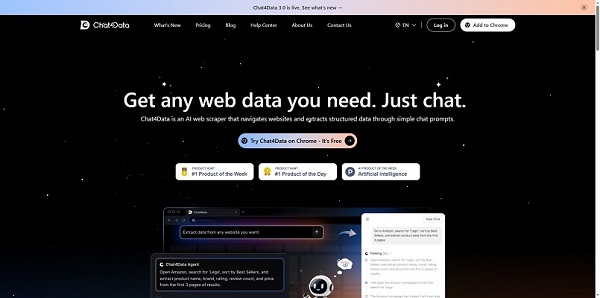
Best for: sellers, marketers, and recruiters who want clean contact lists from public pages without writing code.
Key features:
- Whole-page extraction in one task (name, phone, email, address)
- Login pause-and-resume for LinkedIn, gated directories, and CAPTCHAs
- Reusable saved tasks: re-runs don’t burn extra credits
- Export to Excel, CSV, or JSON; data stays in your browser
Pros: no selectors or templates; handles pagination and infinite scroll; works across LinkedIn, Google Maps, Yellow Pages, and niche directories.
Con: runs in an active browser tab, so it’s best for batches up to tens of thousands of records, not industrial pipelines pulling millions.
Pricing: 100 free credits on signup; premium starts from $10/month.
Actually, when I returned to that Phoenix dental directory, I tested Chat4Data on it. I typed: “Scrape practice name, phone, address, and website for the first 200 results.” The agent showed me its execution plan before running. I added “also grab the email if it’s on the page,” hit start, and about 18 minutes later, I had a clean Excel file.
Honest disclosure: on my first try, I forgot to log into the directory before kicking off the scrape. The agent hit the login wall, paused, prompted me to log in, and then picked up where it left off. I expected the whole run to die and reset; it didn’t.
2. Thunderbit
Thunderbit is an AI web scraper with a built-in free phone number extractor that handles webpages, files, and pasted text. Region detection and format validation are included.
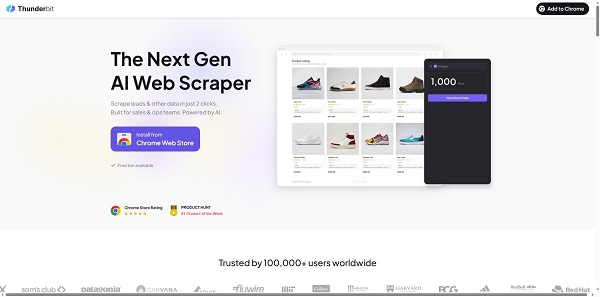
Best for: users who want a quick, free AI alternative for paste-and-extract jobs.
Key features:
- Webpage, file, and text input
- Region and format auto-detection
- Clean CSV export
Pros: no login required for basic use; tidy format handling.
Con: less depth on logged-in pages than a dedicated browser extension scraper.
Pricing: free tier; paid plans from around $15/month.
3. BrowserAct
BrowserAct is a no-code browser automation tool with a dedicated phone number extractor template. It runs in your browser and connects to Make and n8n for scheduled jobs.
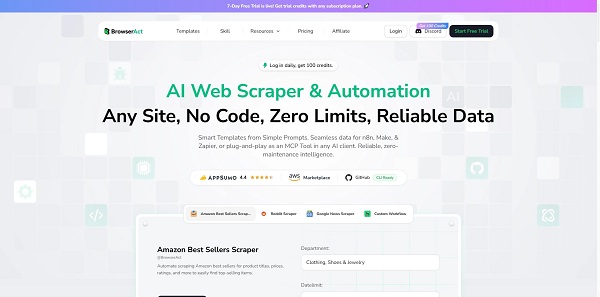
Best for: users who are comfortable building light workflows for recurring extraction tasks.
Key features:
- Pre-built phone extractor templates
- CAPTCHA handling and IP rotation
- Make an n8n integration for scheduling
Pros: strong automation breadth and reliability in directories and search result pages.
Con: larger jobs eat through credits quickly.
Pricing: 100 free daily credits; paid plans from $16/month.
4. Octoparse
Octoparse is a visual, no-code scraper that runs as a desktop app (Windows or Mac) and offers cloud-based execution on paid tiers. You build extraction workflows by clicking the fields you want on a page, and Octoparse handles pagination, login flows, and scheduled re-runs from there.
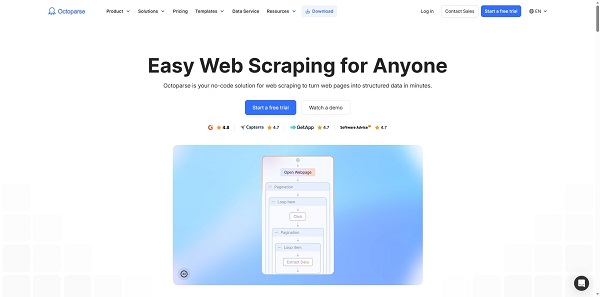
Best for: non-technical teams who want a visual workflow builder and cloud scheduling for recurring phone-number scrapes.
Key features:
- 500+ pre-built templates for popular directories, marketplaces, and review sites
- Cloud extraction with scheduled runs, IP rotation, and CAPTCHA solving on paid tiers
- Export to Excel, CSV, JSON, Google Sheets, and databases
Pros: A deep template library means many phone-heavy sites work out of the box; cloud scheduling runs without your machine being on.
Con: steeper learning curve than browser-extension scrapers; paid tiers are pricey for individuals.
Pricing: Free plan (10 tasks, 50,000 rows/month); Standard from $69/month.
Lightweight Chrome and Text Utilities
5. Phone Number Extractor (Chrome Extension)
This free Chrome extension scans the currently loaded page, finds visible numbers, and exports them to the clipboard or CSV. It’s the lowest-friction tool on the list and the one I reach for when I just need a fast grab.
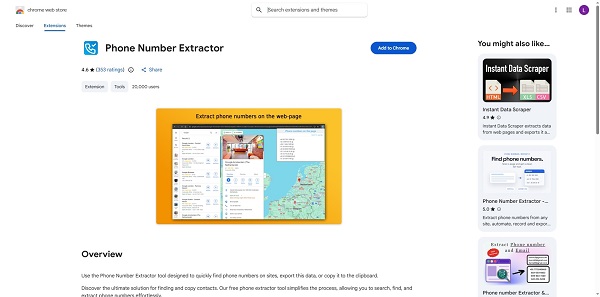
Best for: one-off lookups from a single webpage. No setup, no learning curve.
Key features:
- Regex-based pattern detection (US + international formats)
- Clipboard or CSV export
- Country-code filtering
Pros: completely free; zero learning curve.
Con: single-page only, which means it’s useless for paginated directories or multi-site jobs.
Pricing: Free.
6. PhoneNumberExtractor.com
PhoneNumberExtractor.com is a free web tool that pulls numbers from pasted text, uploaded files (TXT, CSV, PDF), or URLs. It’s been around for years and works reliably for text-cleanup jobs.
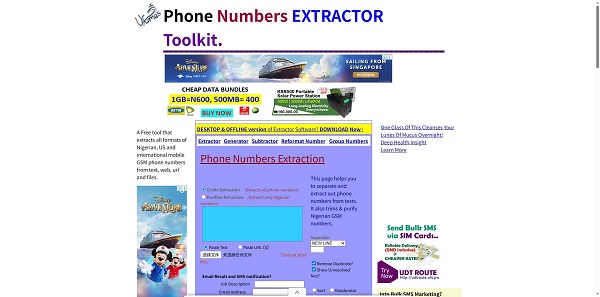
Best for: quick text or file processing. No install, no signup.
Key features:
- Text, file, or URL input
- Format recognition with regional filtering
- Batch processing to CSV
Pros: zero friction; handles common file types.
Con: dated UI with heavy ads; accuracy slips on complex pages.
Pricing: Free.
7. ConvertCSV Phone Extractor
ConvertCSV’s phone extractor does one job well: take messy text, file, or URL input and output a clean CSV of numbers. It’s part of a wider data-conversion toolkit
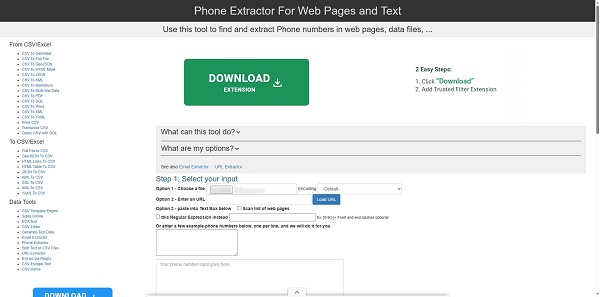
Best for: cleaning numbers out of text dumps, log files, or already scraped data before importing to a CRM.
Key features:
- Multiple input options (paste, upload, URL)
- Custom pattern specification
- Automatic CSV output
Pros: straightforward; no signup needed.
Con: static processing only. No scheduling or automation.
Pricing: Free.
B2B Contact and Lead Data Tools
8. SocLeads
SocLeads is a paid tool focused on pulling phone numbers and contact info from social media sources and profile URLs.
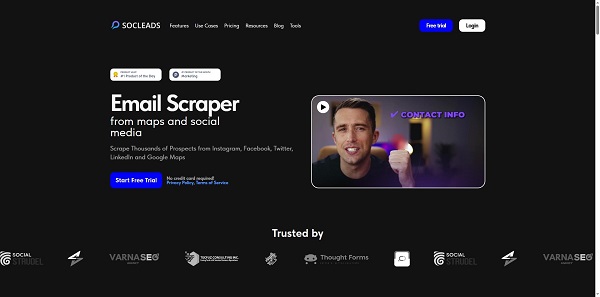
Best for: marketers and sales teams building lead lists from social networks.
Key features:
- URL and text input
- Optimized for social-platform content
- CSV export for CRM upload
Pros: purpose-built for social leads; fits into sales workflows.
Con: account required, and pricing is steeper than browser-based extractors.
Pricing: free trial; paid plans from $59/month for 10,000 extractions.
9. Saleshandy Lead Finder
Saleshandy is a B2B contact database (not technically an extractor) that returns verified phones and emails from an 800M+ index, filtered by job title, industry, and company.
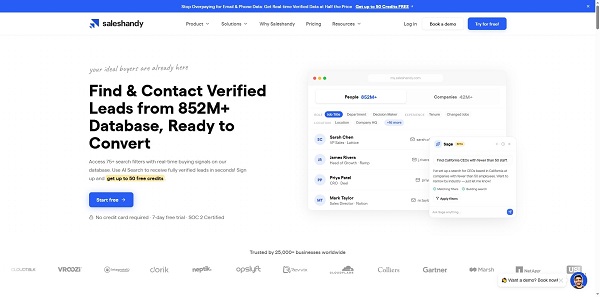
Best for: B2B outbound teams who need pre-verified phones rather than scraped ones.
Key features:
- 800M+ verified contact database
- Waterfall enrichment across multiple data providers
- Bulk export and CRM integration
Pros: real-time verification; coverage scraping can’t match for senior B2B contacts.
Con: no free plan beyond 50 trial credits; per-credit pricing climbs fast at volume.
Pricing: Lead Starter at $49/month for 2500 credits (annual billing).
10. Lusha
Lusha is a B2B prospecting tool with a Chrome extension that surfaces direct dials and mobile numbers on LinkedIn profiles.
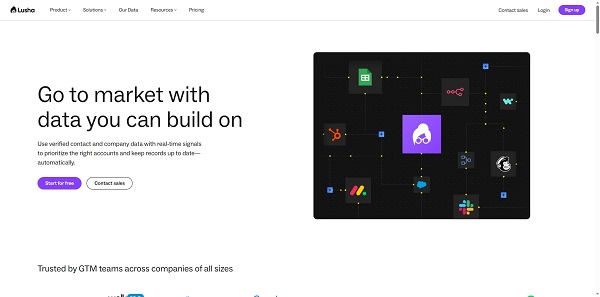
Best for: sales reps who live on LinkedIn and want one-click reveals of phone numbers per profile.
Key features:
- LinkedIn Chrome extension with on-profile reveal
- Direct-dial focus (not switchboard lines)
- Salesforce, HubSpot, Pipedrive sync
Pros: reliable US direct dials; clean UI; minimal workflow friction.
Con: smaller database than Apollo or Saleshandy, with coverage gaps outside the US.
Pricing: 5 free credits/month; Starter at $37.45/month, billed yearly, for 4800 credits per year.
How to Choose the Right Phone Number Extractor?
Pick the tool that matches your data source and your team’s skill level. If the numbers lie on public pages, use a scraper. If you need pre-verified B2B contacts, use a database. If you just need to clean a text dump, use a free text tool.
Here’s the head-to-head. I scored these on accuracy, setup friction, bulk handling, export quality, and pricing.
| # | Tool | Best for | Type | Free tier | Starts at |
| 1 | Chat4Data (AI Chrome extension) | Plain-English whole-page extraction | AI scraper | 100 credits | $10/mo |
| 2 | Thunderbit | AI scraper with format detection | AI scraper | Free trial | $15/mo |
| 3 | BrowserAct | No-code workflows + automation | No-code scraper | 100 daily credits | $16/mo |
| 4 | Octoparse | Visual no-code scrapers with cloud scheduling | Visual scraper | Free (10 tasks) | $69/mo |
| 5 | Phone Number Extractor (Chrome extension) | One-page quick grabs | Chrome utility | Free | Free |
| 6 | PhoneNumberExtractor.com | Free text/file extraction | Text utility | Free | Free |
| 7 | ConvertCSV Phone Extractor | Data cleanup to CSV | Text utility | Free | Free |
| 8 | SocLeads | Social media lead scraping | Lead data tool | Free trial | $59/mo |
| 9 | Saleshandy Lead Finder | Verified B2B phone + email | B2B database | 50 credits | $49/mo |
| 10 | Lusha | LinkedIn direct-dial lookup | B2B database | 5 credits/mo | $37.50/mo |
Use-case match:
- Building a lead list from a public directory, Google Maps, or Yellow Pages → Chat4Data or BrowserAct.
- Scraping behind a LinkedIn or directory login → Chat4Data (login pause-and-resume) or Lusha (per-profile reveal).
- Scheduled, recurring scrapes that need cloud execution → BrowserAct or Octoparse.
- A single page, right now, copy-paste replacement → Phone Number Extractor Chrome extension.
- Cleaning numbers out of an existing text dump or document → PhoneNumberExtractor.com or ConvertCSV.
- Pulling contacts from social media URLs → SocLeads (specialized for social) or Chat4Data (general-purpose).
- You want verified B2B phones, not scraped ones → Saleshandy Lead Finder.
If you’re new to AI-driven scraping, our no-code AI web scraping guide walks through the basic flow with sample prompts. For social-platform jobs specifically, the Facebook profile scraper guide covers the login-wall edge cases that derail other tools.
Is It Legal to Use a Phone Number Extractor?
Pulling publicly visible phone numbers is generally permissible in most jurisdictions. The rules tighten around how you use the data. Cold calling, SMS, and outreach are governed by laws like the TCPA (US), GDPR (EU), and CCPA (California).
Two practical rules:
- Stay public. Don’t scrape behind logins where the platform’s terms prohibit it. LinkedIn, Facebook, and others have explicit scraping clauses.
- Comply with the channel. Before you call or text, check do-not-call registries and consent requirements in the prospect’s region.
The cost of getting it wrong is real. Gartner research has put the average annual cost of poor data quality at $12.9 million per organization, and regulatory fines (€20M+ under GDPR) sit at the top end of that range.
This isn’t legal advice. Check the rules that apply to your jurisdiction and your prospect’s.
FAQs
- What is the best free phone number extractor?
For paste-and-go text jobs, PhoneNumberExtractor.com and the Phone Number Extractor Chrome extension are the cleanest free options. For scraping public pages, Chat4Data’s 100 starter credits cover 2–3 small jobs, which is enough to test the workflow before you decide whether to pay.
- Can I extract phone numbers from LinkedIn?
Yes, with caveats. Lusha reveals phone numbers per profile from inside LinkedIn itself. Chat4Data can scrape LinkedIn search result pages because it pauses for login walls and resumes after you authenticate. Always check LinkedIn’s terms before any bulk scraping.
- Do phone number extractors verify that numbers actually work?
Most don’t. Regex-based tools pull whatever matches a phone-number pattern, valid or not. Only B2B databases like Saleshandy and Lusha verify at the point of export by querying multiple data providers. Plan to verify scraped numbers separately before dialing.
- What’s the difference between a phone number extractor and a B2B lead finder?
A phone number extractor pulls numbers from a source you visit: a webpage, file, or text dump. A B2B lead finder searches a database of pre-verified contacts and returns matches by filter. B2B data decays at roughly 70.3% per year, so fresh extraction often beats a stale database for niche segments.
- How accurate is regex-based extraction vs. AI extraction?
Regex catches anything shaped like a phone number, which includes fax lines, page numbers, and tracking codes. AI extractors read page context and pull the number that’s actually a contact phone. For clean directories, regex is fine. For messy pages or whole-record jobs, AI wins.
Final Thoughts: Which Phone Number Extractor Should You Pick?
Phone number extractors fall into three buckets: AI scrapers for public pages, lightweight Chrome and text tools for quick jobs, and B2B databases for pre-verified contacts. For most readers building contact lists from directories, Google Maps, or LinkedIn, Chat4Data is the best balance of speed, accuracy, and ease. It handles the friction (logins, pagination, whole-record extraction) that other tools choke on.
If you want to see what describing your task in plain English actually looks like, you can grab Chat4Data from the Chrome Web Store and try it on a page you’d normally copy and paste from. The top web scraping plugins roundup is a good follow-up if you want to compare the broader scraping landscape.
 Try AI Web Scraper