
In the vast e-commerce market, price and competition define the trends of products. Amazon is the world’s largest global e-commerce marketplace, offering almost any item you could wish for. For sellers, analysts, and dropshippers, the ability to monitor competitor pricing in real-time isn’t just a luxury—it’s a necessity. Even everyday shoppers are interested now in monitoring Amazon prices, as sometimes they go on a “sale”, which is only inflated and then discounted.
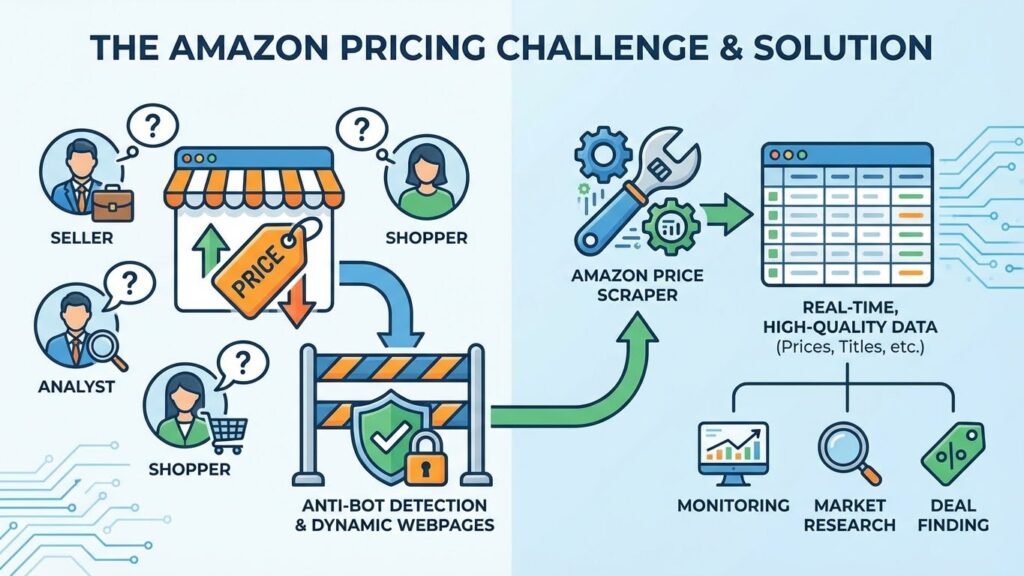
With an Amazon price scraper, anybody can do just that, but there are challenges along the way. Dealing with anti-bot detection, dynamic webpage structures are among the issues that arise when scraping any website, especially Amazon, which takes great care of security and data. Implementing such an advanced Amazon price scraper requires technical expertise in Python and considerable effort in implementation and maintenance. Dedicated scrapers are available to relieve this burden and help you obtain valuable data instantly.
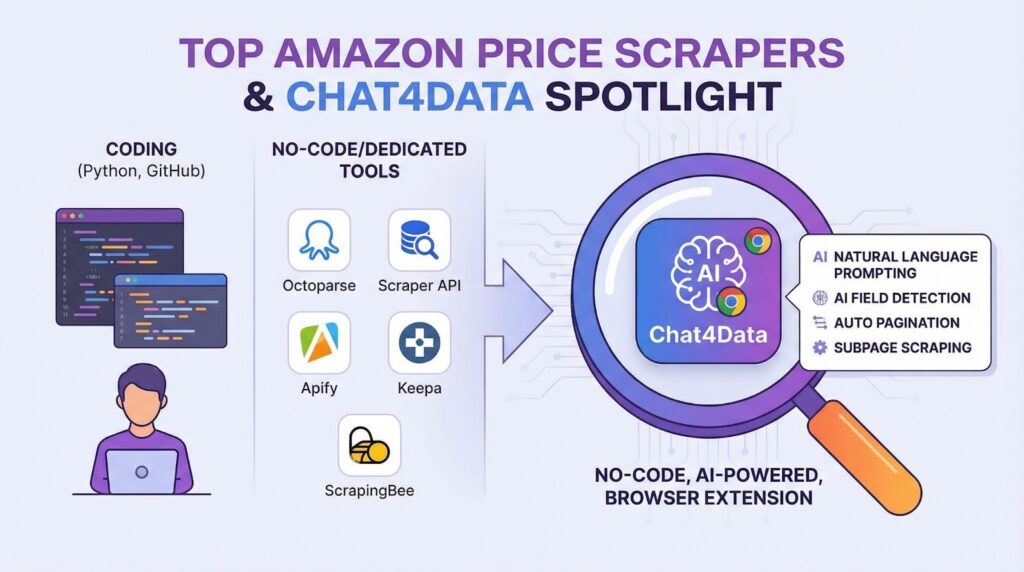
In this comprehensive guide, I will compare the top Amazon price scraper tools currently available on the market and their key features for 2026. Tools include coding solutions, no-code dedicated scrapers, and everyday price monitoring extensions.
By the end of the article, you will get a good grasp of:
- What Makes a Great Amazon Price Scraper?
- Top 7 Amazon Price Scrapers and two other tools that may be helpful for you
- How to get started with a no-code Amazon price scraper
- Best choice for Amazon price scraping
What Makes a Great Amazon Price Scraper?
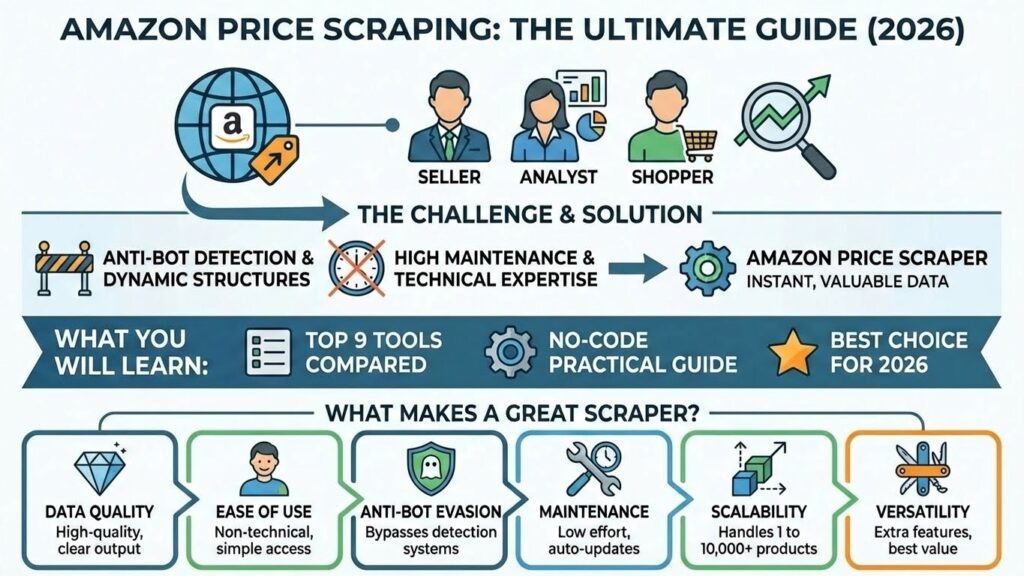
Before I compare all the available Amazon price scrapers, it is crucial to know how to distinguish a great scraper from a good one. Although the ultimate goal is to scrape Amazon prices from products, they work in different ways, have varying price points, and so on. Regardless, the focus of the comparison and what makes a great Amazon price scraper is:
- Data quality: The most crucial step is to obtain high-quality data from scraping Amazon prices, along with the product title and description. Clear column names in the output file of the scraping task are also crucial.
- Ease of use: As the vast majority of users are non-technical, the easier the tool is to use, the better. Reaching the data is the primary objective.
- Anti-bot evasion: Sites like Amazon have extensive anti-bot detection systems, so a great Amazon price scraper must be able to evade them.
- Maintenance: Once you build a Python Amazon Price Scraper, it takes ten times the amount of time for maintenance. Dynamic website structures change frequently, so you must adapt your script and keep the external libraries it uses up to date.
- Scalability: We require the scraper to handle a range of tasks, from scraping individual products to comprehensive market research, which can involve as many as 10,000 products.
- Other features (versatility): In addition to scraping Amazon prices, I will examine other key features of each tool to ensure you get the most value for your money.
Top 7 Amazon Price Scrapers (Reviewed & Compared)
The tools compared here include code approaches (Python, GitHub) and dedicated web scrapers (no-code) capable of scraping Amazon prices. I will compare key features, pros, cons, pricing, and ease of use. Let’s get into it!
Chat4Data
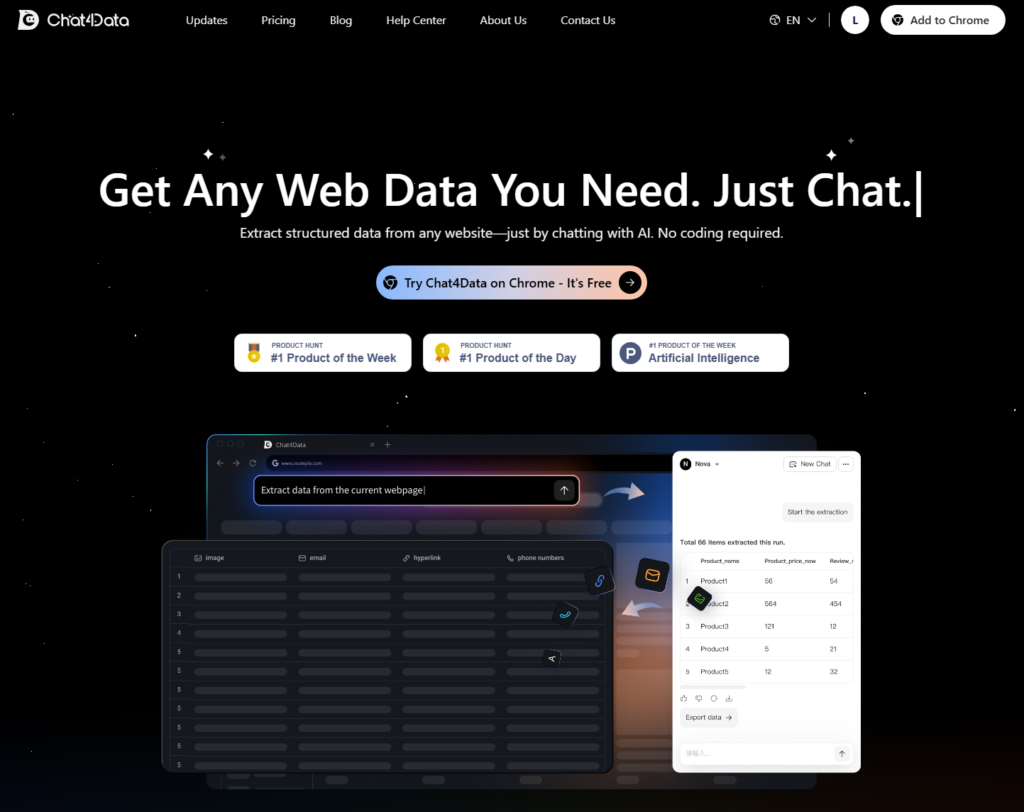
Chat4Data is a no-code browser extension AI web scraper that utilizes natural language to understand your needs, adapt to any website, and extract data in a clean, structured format.
Key Features:
- Natural language prompting: With AI capabilities, Chat4Data understands you in natural language and executes commands when creating scraping rules.
- AI data field detection: Using AI’s intuitive thinking, Chat4Data identifies valuable data fields and assigns them clear, descriptive column names in the output tables.
- Automatic pagination: Chat4Data recognizes any pattern on websites for pagination and goes through all pages to scrape the complete data.
- Subpage scraping: If you need extensive data, such as underlying reviews of each product on an Amazon webpage, Chat4Data can automatically retrieve it for you. This expands the pool of possibilities to scrape and makes market research easier.
Pros:
- Privacy: All data is processed locally and not saved by Chat4Data. If there is data behind the login, simply log in first and then start Chat4Data. It does not require your credentials at any time.
- Fast Setup and Results: You install the Chrome extension and start scraping almost instantly — no templates, proxies, or server setup.
- Free Plan + Affordable Usage: There’s a free tier with starter credits (new users: get 100 credits upon registration), and paid plans are relatively inexpensive compared to hiring developers or buying datasets.
Cons: Scrape only one page at a time.
Pricing: Freemium – Free starting credits are included (up to 5 pages), and premium packages start at $10 (2,000 credits) and $35 (8,000 credits) per month.
Ease of use: 5/5. With simple commands in natural language, AI can understand any website and provide you with the data you wish quickly.



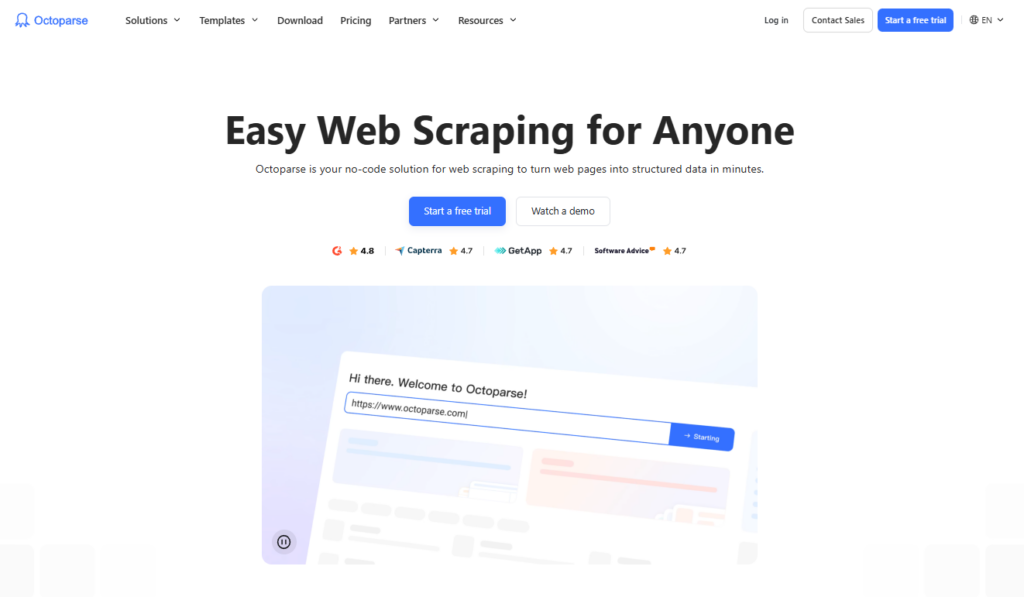
Octoparse
Octoparse is a dedicated web scraper that can scrape customized data in an enterprise setting. With each configured task, you can run it in the cloud and define advanced anti-bot evasion systems. Discover how to scrape Amazon prices using Octoparse.
Key Features:
- Schedule a task in the cloud
- Customize tasks
Pros:
- Data ownership
Cons: The learning curve is steeper than Chat4Data. Debugging a broken workflow can be tedious.
Pricing: Free for testing, the standard plan starts at $69, with most of the features you require.
Ease of use: 5/5. For more advanced users, setting up this tool takes some time, but it’s worth it, especially when your tasks are too complex.
Scraper API
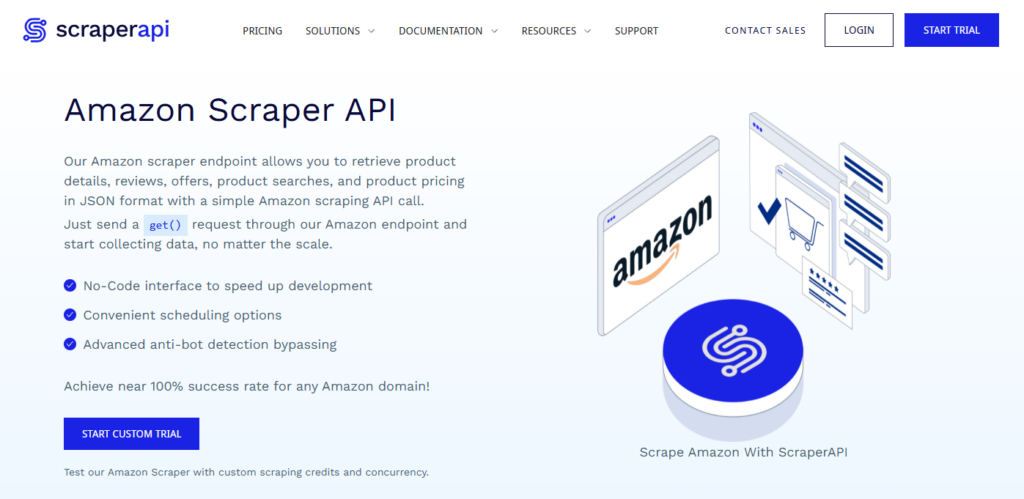
Scraper API offers its own Amazon scraper endpoint, enabling you to retrieve product details, reviews, offers, product searches, and pricing information in JSON format.
Key Features:
- No-Code interface
- Advanced anti-bot detection bypassing
Pros:
- Custom scheduling of tasks
Cons: Costly for many users
Pricing: Starting at 49$ per month for 100,000 API credits.
Ease of use: 3/5.
Apify
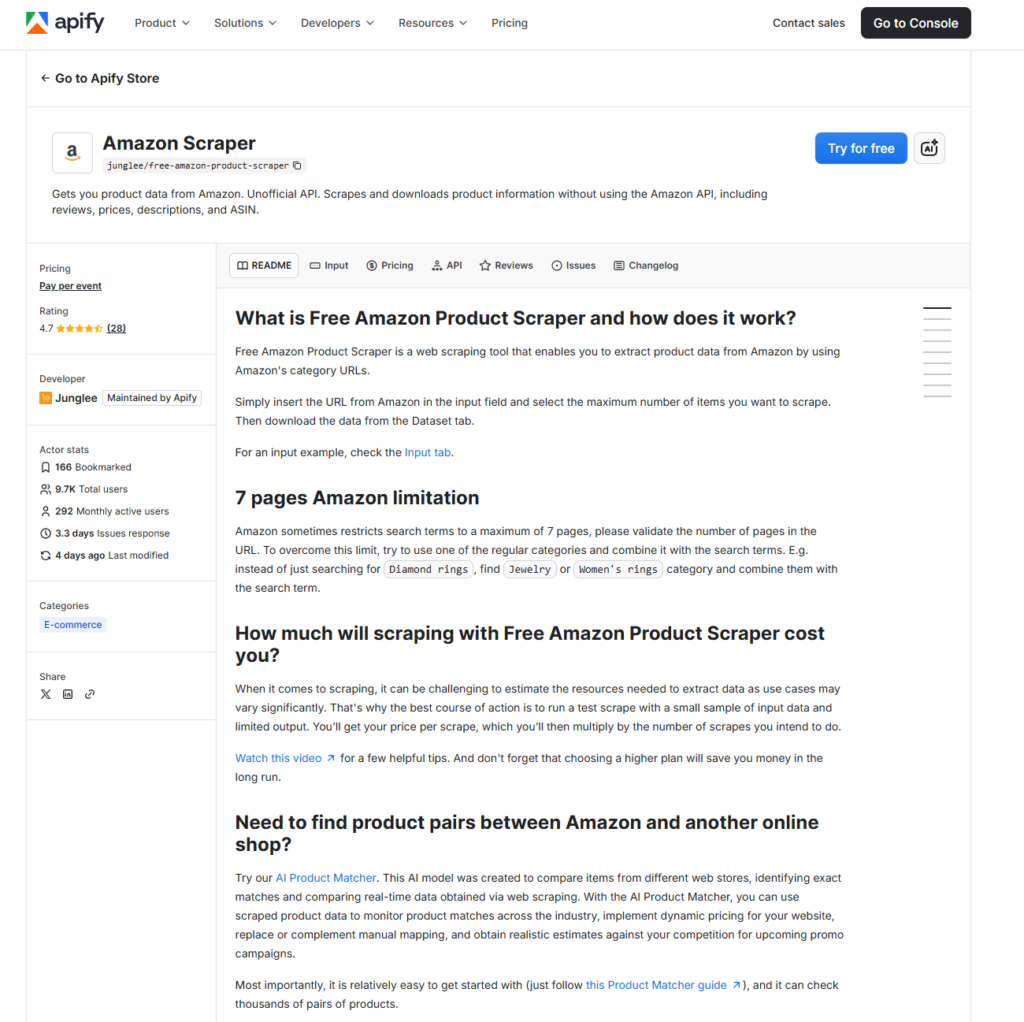
Apify is a platform that provides premade templates, such as the one for Amazon Scraper. They handle all the infrastructure and connections. All you have to do is specify what you need from a data standpoint.
Key Features:
- Fast access to data
- No complicated setup
Pros:
- No maintenance of infrastructure
- Costly for limited data
Cons: Limited customization, only premade templates
Pricing: $12.00 / 1,000 results.
Ease of use: 3/5.
Bright Data
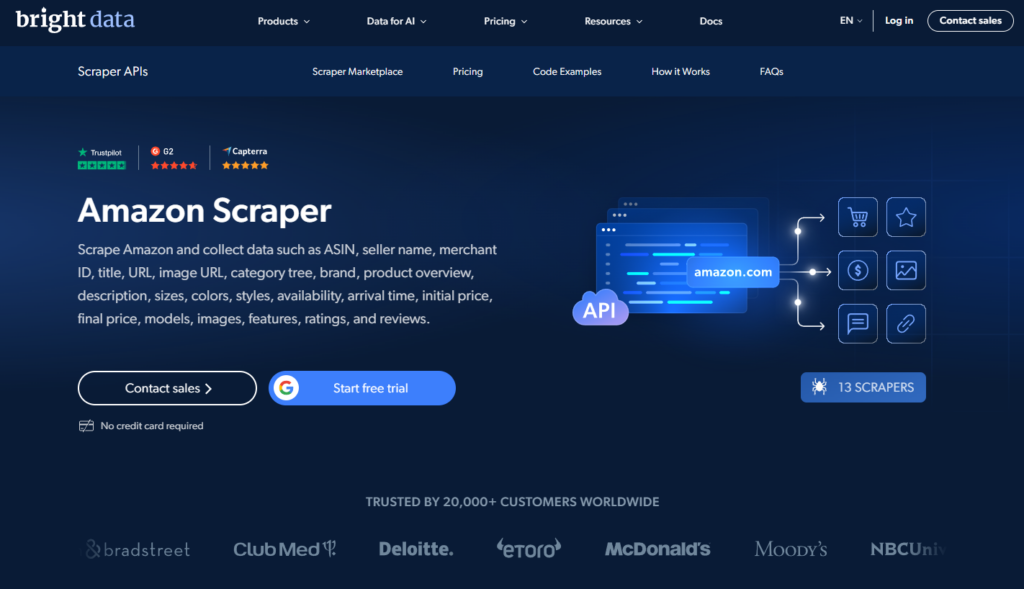
Bright Data has its own scraper that can scrape Amazon and collect data, including ASIN, seller name, merchant ID, title, URL, image URL, and more. It is a very detailed service.
Key Features:
- Premade templates
- Scraping detailed data at scale
Pros: Powerful features for large enterprises.
Cons: Hard to set up, steep learning curve, and frustration with customer support.
Pricing: $250 per month for retail insight or $1.5 / 1k record for a pay-as-you-go model.
Ease of use: 2/5. Requires some development experience. Setup takes a while.
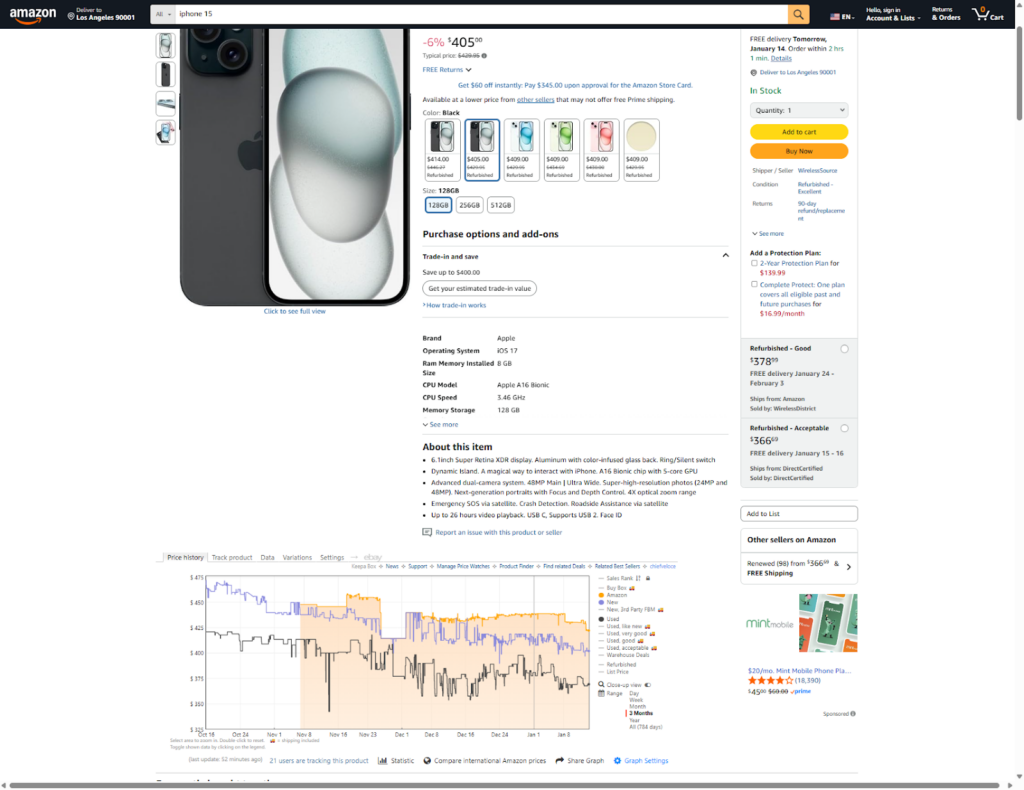
Keepa
Keepa is one of the staples in the Amazon price tracking tools. All you have to do is install the browser extension, and a graph appears on every Amazon page, displaying the price trend and history.
Key Features:
- Stable Amazon pricing data over a period of time
Pros:
- Does not require an account
- Instant access to the price history of a product
Cons:
- Follow only a single product – no market research
- It can be expensive for sellers who follow the markets
- No data ownership
Pricing: Free and $19 per month premium for sellers who require the competitor analysis feature
Ease of use: 5/5
ScrapingBee
ScrapingBee is an API-based tool that provides interfaces to fetch data for you using HTTP requests. You send a network request, and they retrieve the data from any website on your behalf. It is primarily intended for developers, as it integrates with various programming languages. For a full tutorial on how to scrape data from Amazon with ScrapingBee, check out this article.
Key Features:
- Many different features, including AI scraping, markdown scraping, etc.
Pros:
- Easy to integrate into custom scripts (for developers)
Cons:
- Development knowledge
- Maintenance of scripts
- Costly
Pricing: Starts at $49 per month. More advanced features, such as team management, cost $249 per month.
Ease of use: 3/5. ScrapingBee offers various features, but they require technical knowledge, making it unsuitable for those without specialized knowledge.
Other Amazon Price Scraping Tools for Advanced Users
Python
Developing your own script in Python can take time, but it gives you complete control over accessing the data you need. The most challenges you face are in anti-bot detection algorithms and dynamic website structures. Further read about a practical approach to scraping data with Python.
Key Features:
- Maximum customization, flexibility (integrates with libraries like Scrapy)
- Strong community support.
Pros:
- Free to use (open source), high scalability potential, full data ownership.
Cons: High maintenance (due to website changes), steep learning curve (requires programming knowledge), potential costs for necessary proxies/infrastructure for large-scale use.
Pricing: Free to use (open source), high scalability potential, full data ownership.
Ease of use: 1/5. Requires development knowledge.
GitHub
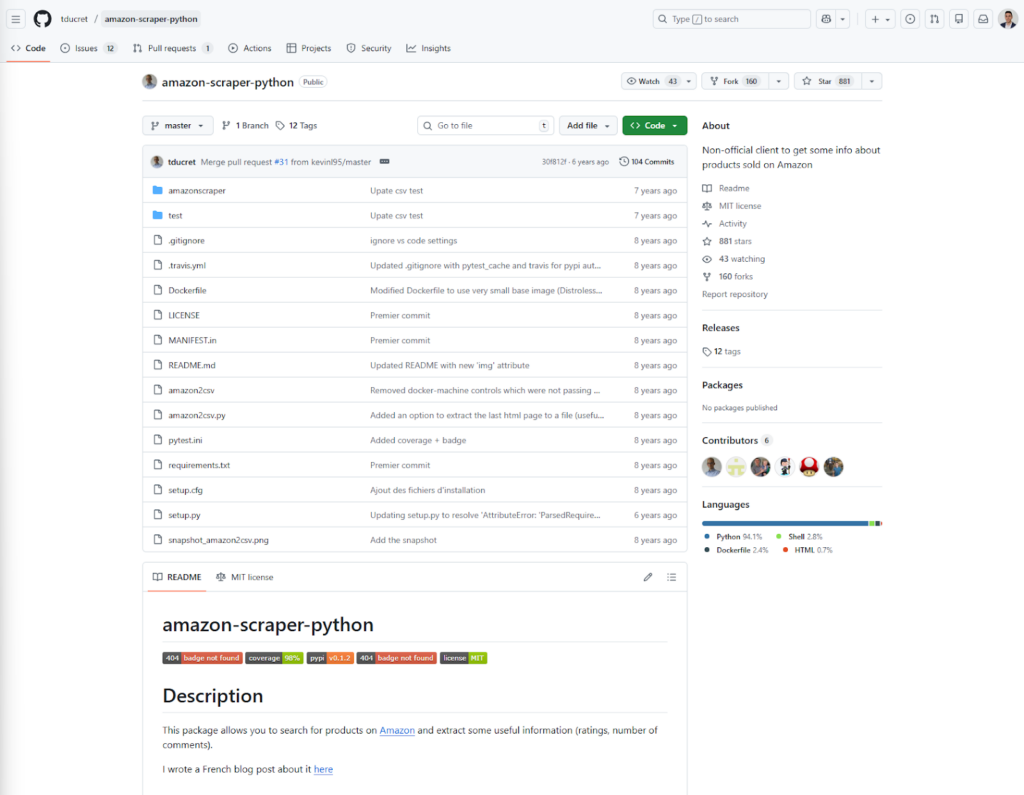
Similar to the Python approach, we use code to scrape Amazon prices, but it makes the process easier as development and maintenance are handled by someone else. For this example, one such repository provides a perfect example of a clean and straightforward Amazon price scraper using Python code.
Key Features:
- Speed up development
Pros:
- Customizable with premade basics
Cons: Some development and customization come down to you, as repository developers cannot handle everything alone.
Pricing: Free.
Ease of use: 2/5. Still requires development knowledge.
Feature Comparison Table of Top 9 Amazon Price Scraping Tools
| Tool | Chat4Data | Octoparse | Scraper API | Apify | Bright Data | Keepa | ScrapingBee | Python | GitHub |
| Best use case | Market research, Ad-hoc analysis, No-code users | Enterprise setting, Customized data pipelines | Developers requiring JSON data | Developers needing premade templates | Enterprise scale, Large datasets, Complex Anti-bot | Price history tracking, Single product monitoring | Developers building custom scripts | Custom DIY solutions, Full control | Developers looking for free/open-source scripts |
| Setup time | Instant (Browser Extension) | Moderate (Takes time to set up workflows) | Low (API integration) | Low (Premade templates) | Moderate (Hours for IDE setup) | Instant (Browser Extension) | Moderate (Requires coding integration) | High (Hours to days) | Medium (Clone & configure) |
| Ease of use | 5/5 (Natural Language) | 5/5 (Visual, but steep curve) | 3/5 (API based) | 3/5 (Platform-based) | 2/5 (Steep learning curve, complex) | 5/5 (Visual Graph) | 3/5 (Requires tech knowledge) | 1/5 (Requires coding) | 2/5 (Requires dev skills) |
| Maintenance | Low (AI handles changes) | Medium (Debugging can be tedious) | Low (Managed API) | Low (Managed Infrastructure) | Low (Managed Service) | Low (Managed Tool) | High (Script maintenance) | High (Manual updates needed) | High (Self-maintained) |
| Pricing | Freemium (Free starter, Plans: $10-$35/mo) | Free trial, Standard: $69/mo | Starts at $49/mo (100k credits) | $12.00 / 1,000 results | High ($500/mo or Pay-as-you-go $1.50/1k) | Free / €19/mo (Premium Data) | Starts at $49/mo | Free (Open Source) + Proxy costs | Free (Open Source) |
| Anti-bot feature | Privacy/Local Processing (Mimics human behavior) | Advanced anti-bot evasion | Advanced detection bypassing | Managed infrastructure | Best in Class (Web Unlocker, CAPTCHA solver) | N/A (Uses browser session) | Handles proxies & headers | Manual (Must buy proxies) | Varies by repo |
| Versatility (other features) | AI Field Detection, Subpage scraping, Auto-pagination | Cloud scheduling, Task customization | Custom scheduling, JSON output | Fast access, no infra setup | 72M+ IPs, Web Scraper IDE, Pre-built datasets | Price history graphs, Alerts, Trends | AI scraping, Markdown scraping, etc. | Unlimited customization | Unlimited customization |
Getting Started with AI-powered Amazon Price Scraper — Chat4Data (Step-by-Step)
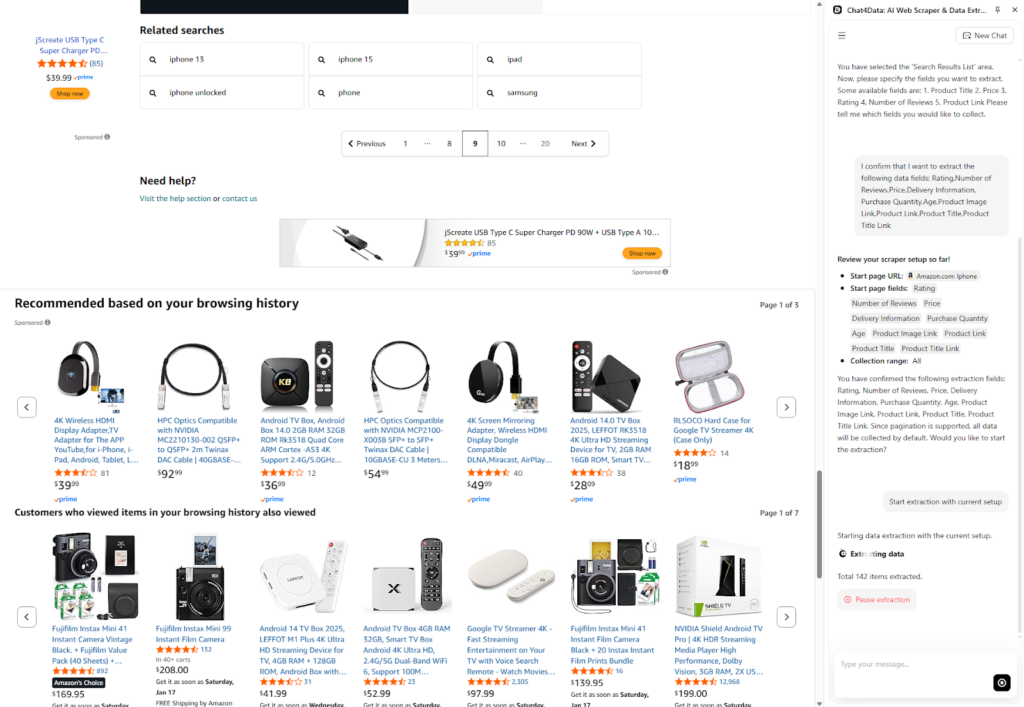
In this section, I will demonstrate how easy it is to scrape Amazon prices using Chat4Data. First, I downloaded the Chat4Data Chrome extension. I visited Amazon and searched for iPhones to see the current market state for all models. Now, if you want to be more specific, you can search for a particular model only or apply filters to the search and then start the Chat4Data extension.
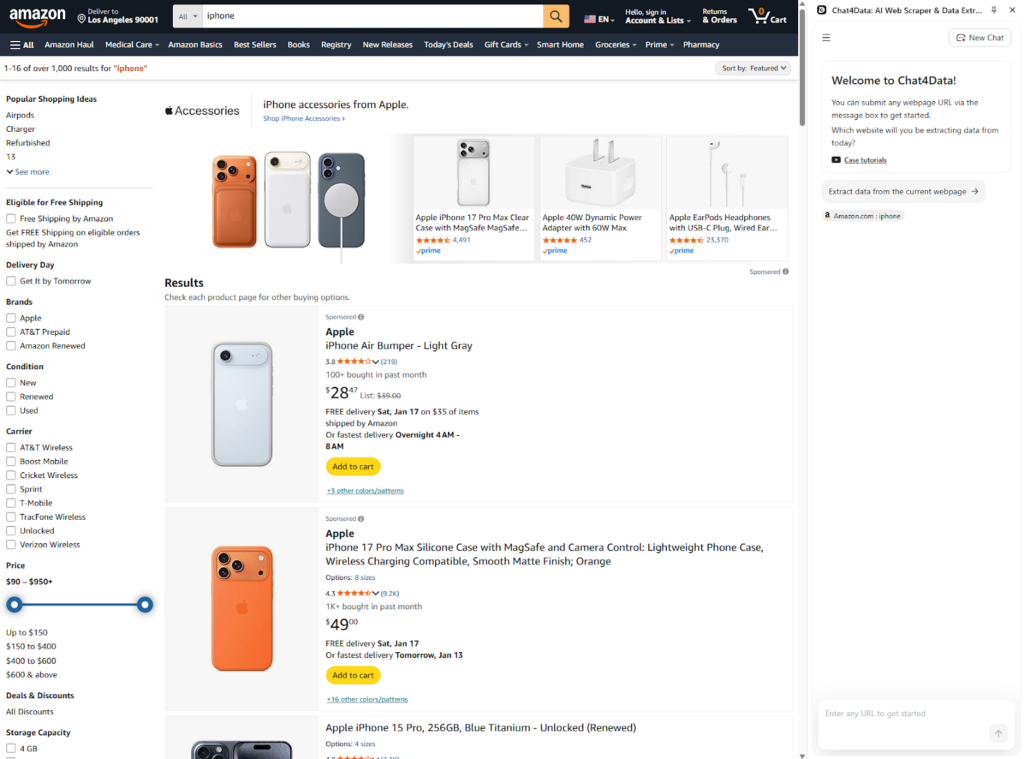
Chat4Data identifies different sections to scrape, and since my focus is on the products themselves, I opt for the main section of the product list.
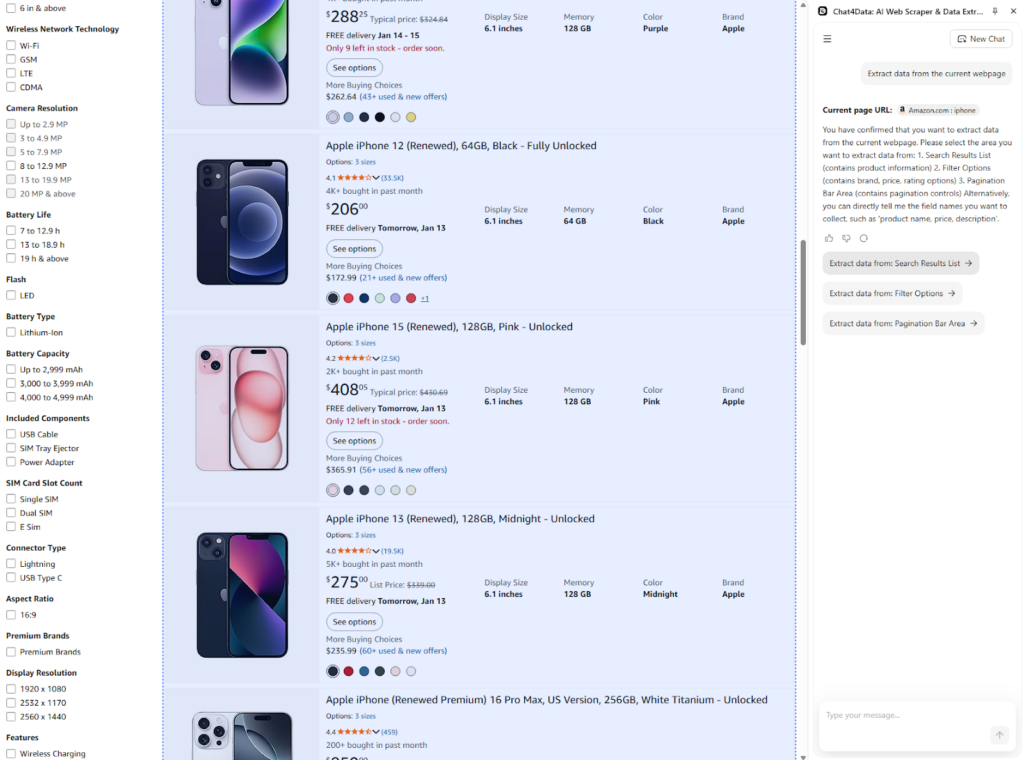
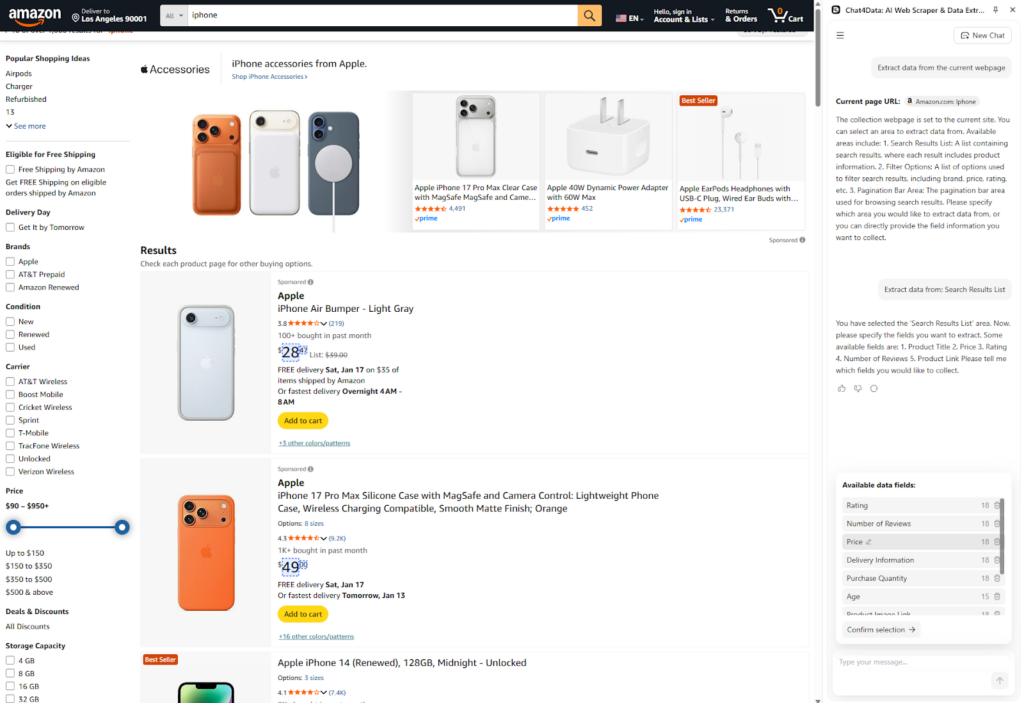
Chat4Data then automatically scans for underlying data fields, such as title, reviews, and, most importantly, price.
One additional possibility with Chat4Data, which most other scrapers lack, is the ability to scrape subpages. In this case, I can obtain the descriptions of the products and all reviews, but for this task, I keep it simple, as the goal is to fetch prices.
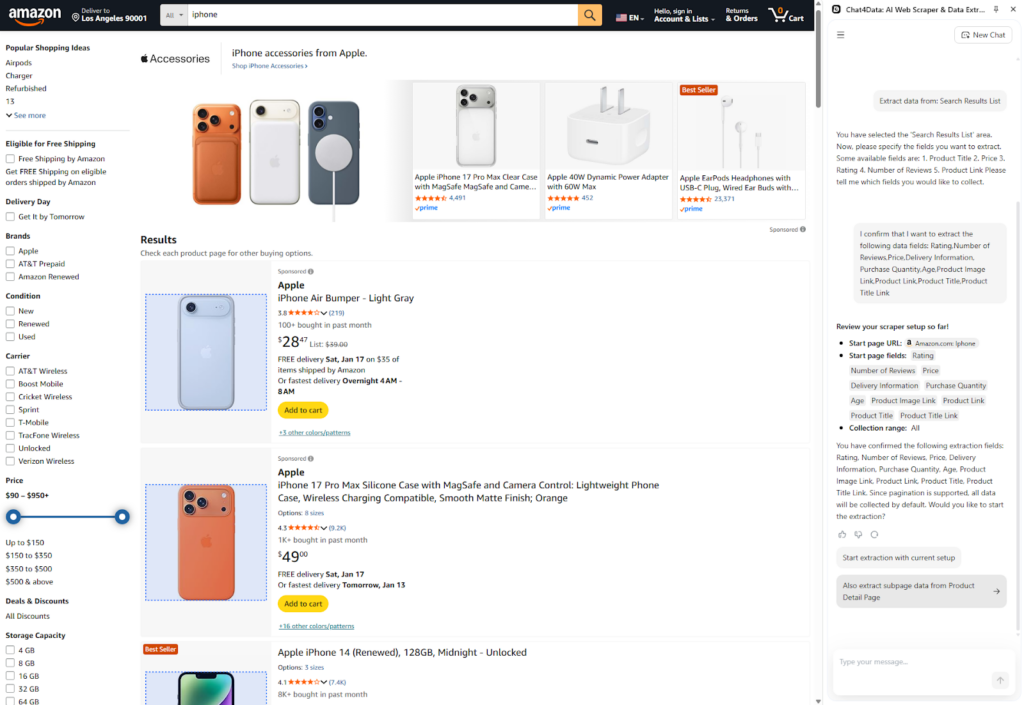
Chat4Data automatically handles pagination on any website. I have access to the full spectrum of available data, so I don’t have to worry about missing anything.
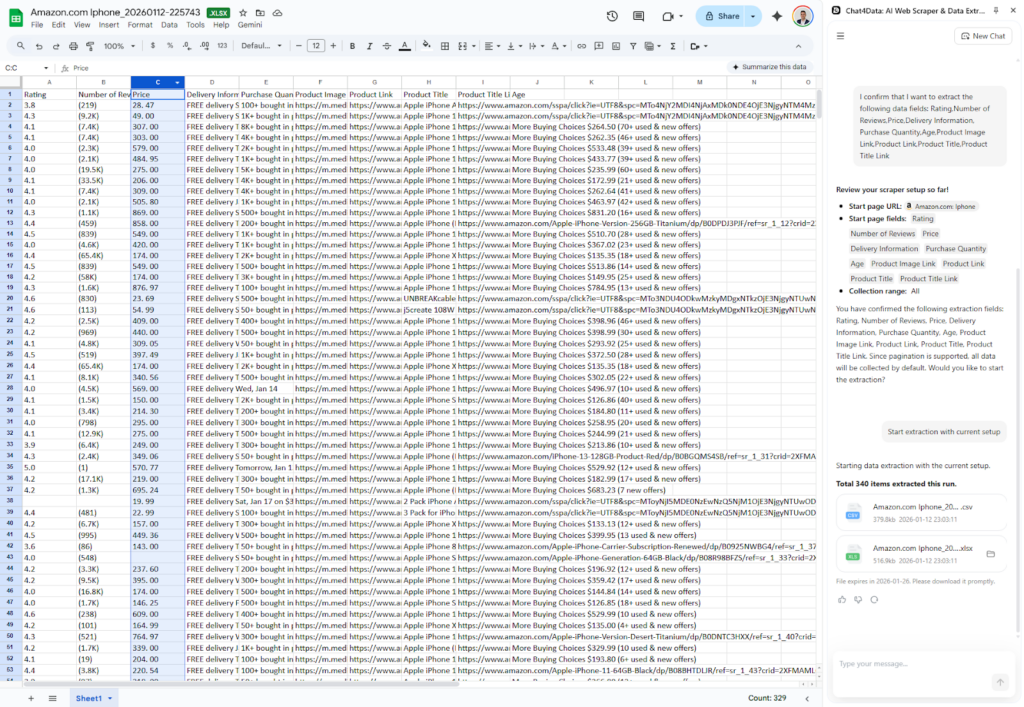
Data is available for download for up to15 days, and as you can see, prices are also available. Now I can perform market analysis, filter the data, and make charts.
Conclusion
Choosing your Amazon price scraper depends mainly on your technical knowledge and budget. In this guide, I covered the basic extensions, coding options, and many web scraper tools. Developers might opt for creating a custom Python script, but for most people, including marketers, sellers, and analysts, Chat4Data is the preferred solution. It is easy to use, offers customization, and supports deep data fetching.
Without worrying about anti-bot detection, solving CAPTCHA, or other security concerns, Chat4Data takes over all maintenance and provides high-quality data for further analysis. Beyond Amazon price scraping, Chat4Data adapts to any website’s structure by using AI and can fetch any data you wish for at an affordable subscription and with efficient credit usage.
Want a deeper dive? Check out these articles:
- 4 Quick Methods to Scrape Instagram Emailsls
- How to Use Claude MCP for Web Scraping
- 7 Best Web Scraping Plugins of 2025
- 8 Powerful AI Crawlers for Effortless Data Extraction in 2025
FAQs about Amazon Price Scraper
- Is it legal to scrape Amazon prices?
Yes, scraping publicly available data is legal, but with consideration. Always be respectful towards the robots.txt file and Amazon’s Service Agreement. Personal data is especially sensitive because it is not permitted to be republished without obtaining the necessary licenses or permissions. This question is not only about legality but also ethics, so always be considerate when scraping any website.
- Can I use ChatGPT to scrape Amazon?
No, ChatGPT alone is not capable of scraping Amazon. ChatGPT scraping is used as an assistant during the scraping process, rather than as a dedicated tool for web scraping itself. With additional tools like MCP (Model Context Protocol), that would be possible. Take a look at how I used Claude MCP to scrape websites.
- How do I avoid getting blocked while scraping Amazon prices?
With Amazon’s advanced anti-bot detection and CAPTCHA systems, scrapers must be able to go under the radar and avoid getting detected. To do so in Python, libraries such as Selenium and chromedriver are available. Dedicated scrapers, such as Chat4Data, mimic human behavior and utilize AI to perform dynamic waiting.
- How to scrape Amazon ebook prices?
To scrape Amazon ebook prices, search for ebooks in Amazon’s search bar and start the Chat4Data extension. Chat4Data will scan the page and offer to scrape prices, titles, descriptions, and other data fields. After the scraping process, you can export the data in Excel or CSV format and use it to process further efficiently. No coding required, easy to use, and smart with all the AI features.